8
Track Your Sleep
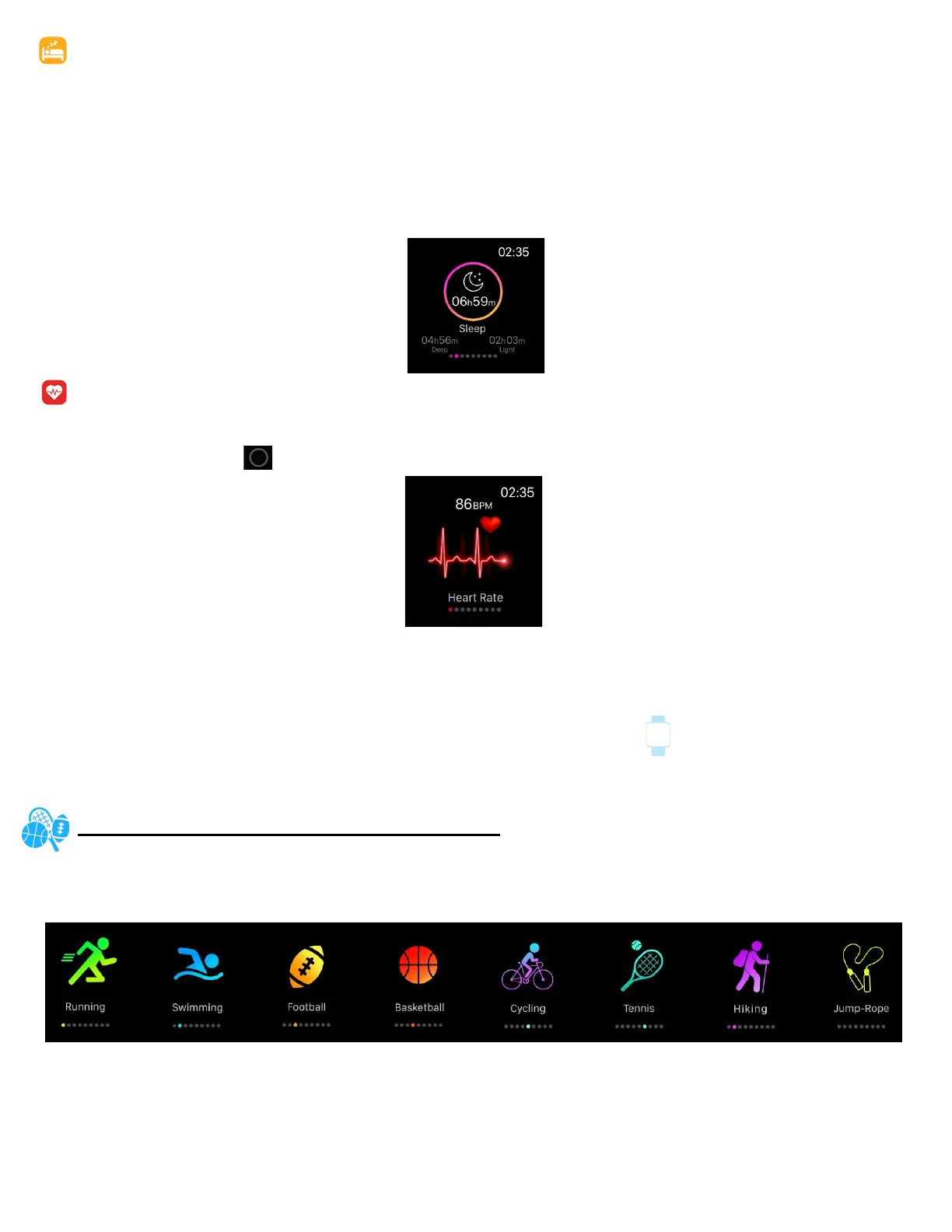
Your iTOUCH AIR 2S will automacally track your me asleep and sleep stages (Time spent in REM, light
sleep and deep sleep). To see your sleep score and stats, sync your smartwatch when you wake up and
check the app.
Learn about your sleep habits
iTOUCH AIR 2S tracks several sleep metrics including the amount of sleep you get and provides you with
an overall sleep score number for that night. It will track your wake me and your light sleep me. Along
with deep sleep.
See Your Heart Rate
iTOUCH AIR 2S tracks your heart rate throughout the day. To measure and see your real-me heart rate
and heart-rate zone, navigate to the heart rate feature on your smartwatch.
- Tap and hold buon to start measuring.
During a workout, iTOUCH AIR 2S shows your heart rate to help you target the training intensity of your
choice.
Adjust your heart-rate seng
To track your heart rate day and night with the iTOUCH AIR 2S, navigate to watch sengs and tap
addional features.
Note: To preserve the baery life, turn o connuous heart rate detecon.
FITNESS AND EXERCISE (MULTI-SPORTS MODE)
Track specic exercies- such as walk, run, cycling, jump roping, badminton, basketball, soccer and climb-
ing- with the smartwatch and the app to see real-me stats, including heart-rate data, calories burned,
and elapsed me.
For complete workout stats, recap, route and pace informaon make sure to use your smartphone’s con-
nected GPS. Review your exercise history via the iTOUCH AIR Special Edion app.
Note: The Connected GPS feature on the iTOUCH AIR 2S works with the GPS sensors on your nearby
phone.



 To Next Page