Troubleshooting
10.1 Overview
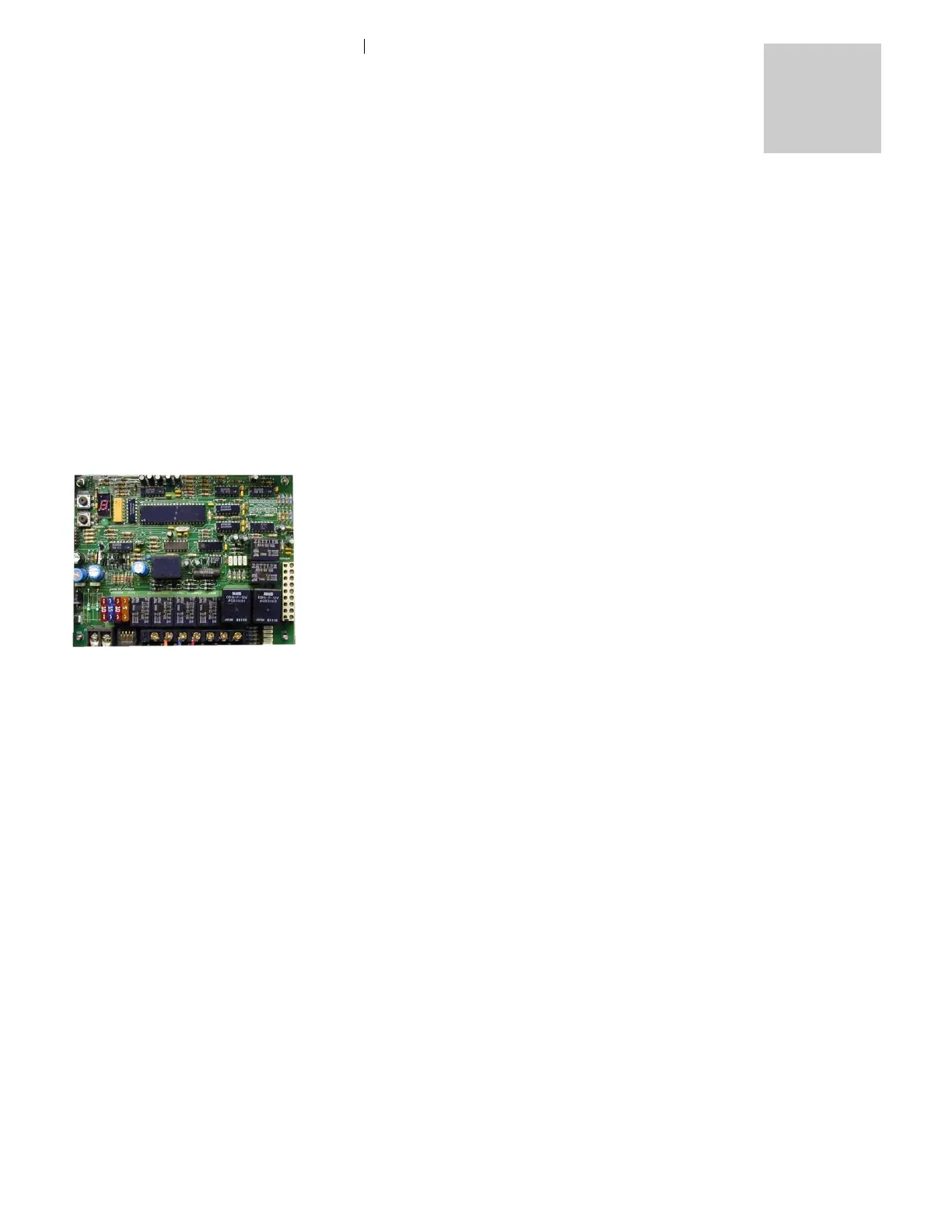
The electronic board consists of a flash microcontroller
programmed to monitor the timing and safety functions of the
heater. Each time the board is energized by a call for heat, it will
check its own circuits for any problems. Should a problem exist,
the board will shut down.
You can easily monitor your Oasis
®
SCH33™ heater’s operation by
checking the electronic control box. Any fault or problem will be
immediately picked up by the control board and an LED diagnostic
code indicator will light up to pinpoint the fault. Once the fault has
been corrected, it can be reset by switching the service or remote
switch OFF, then ON again. The diagnostic codes are described
below.
10.2 Power On (Green)
The POWER ON indicator is lit whenever the service switch on the
control box is ON and if the remote panel is switched ON, a small
red LED near the lower right-hand side of the digit on the remote
panel will also glow. If this light does not come on, check to see if
the service switch is ON.
If the power on light does NOT come on:
• Check for a blown fuse.
10.3 Burner On
No diagnostic code will be displayed on the main board or the
remote panel when the burner is ON and operating normally. A
small red LED will glow near the lower right-hand side of the digit
on the remote panel, indicating it is ON.



 To Next Page