Visit
dashcamtalk.com for the latest firmware and owners forum.
How
to play the Video f PASS ©BLACK
You
can move, select, play, delete the recorded files by PC Keyboard operation in the File List Window of
PC
Player and please refer to the below for more details.
©
"Shift" Key + File Selection : Select the continuous group of files of the list.
©
"Ctrl" Key + File Selection : Select the multiple individual files of the list.
<D
"Up" or "Down" Arrow Key: Move in the file list
@
"Left" or "Right" Arrow Key: Fast Rewind or Forward by 10 seconds interval of the played file.
©
"Page Up"or"Page Down"Key: Play the file before or after the currently playing file
©
"Enter" Key: Play the selected file or resume the played file from the very beginning
®
"Delete" Key: Delete the selected file
.' @ #
s
/
2
3
4
Up
& Down
Front
& Ba
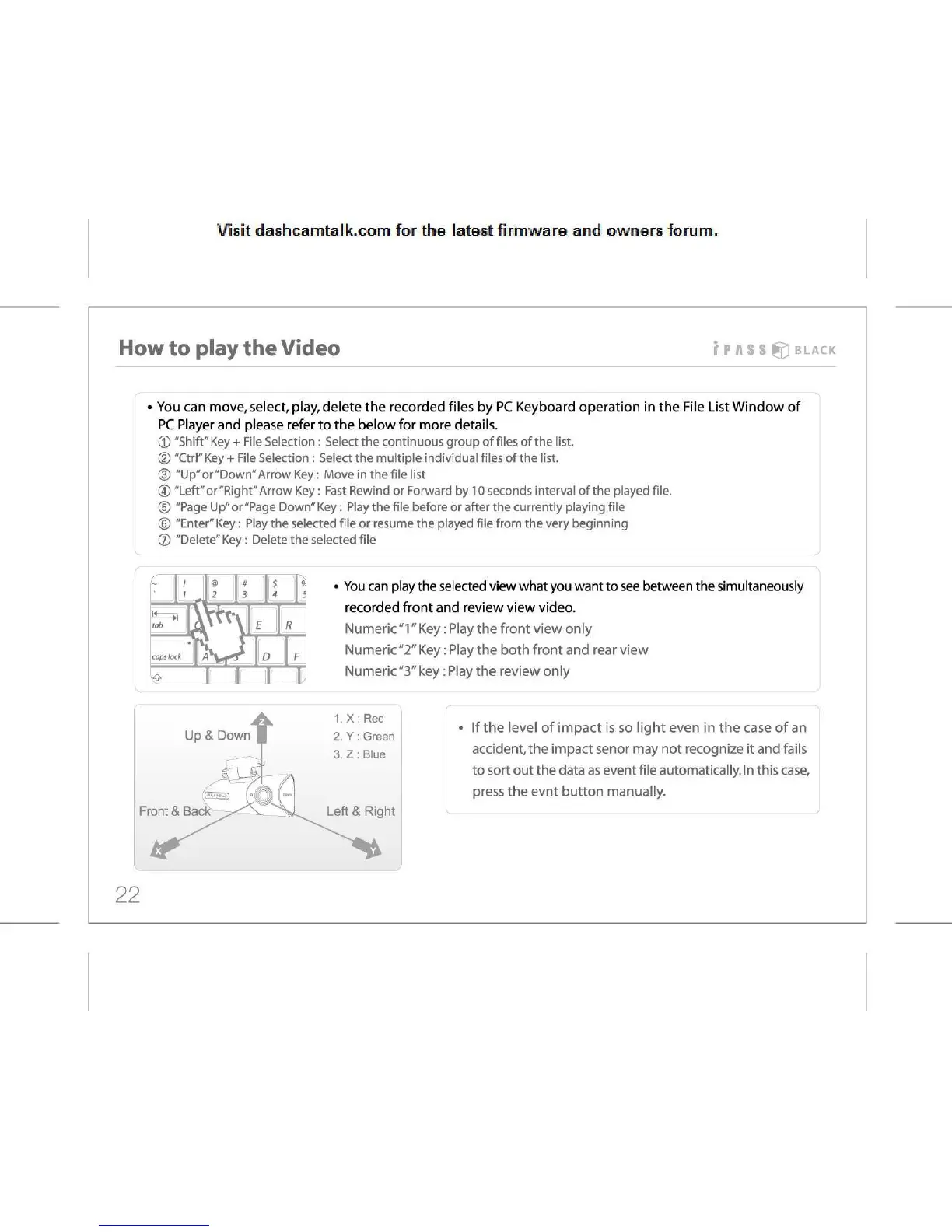
You
can play the selected view what you want to see between the simultaneously
recorded
front and review view video.
Numeric
"1" Key: Play the front view only
Numeric"2"
Key: Play the both front and rear view
Numeric"3"
key: Play the review only
If
the level of impact is so light even in the case of an
accident,
the impact senor may not recognize it and fails
to
sort out the data as event file automatically. In this case,
press
the evnt button manually.
22



 To Next Page