Visit
dashcamtalk.com for the latest firmware and owners forum.
How
to play the Video f PASS ©BLACK
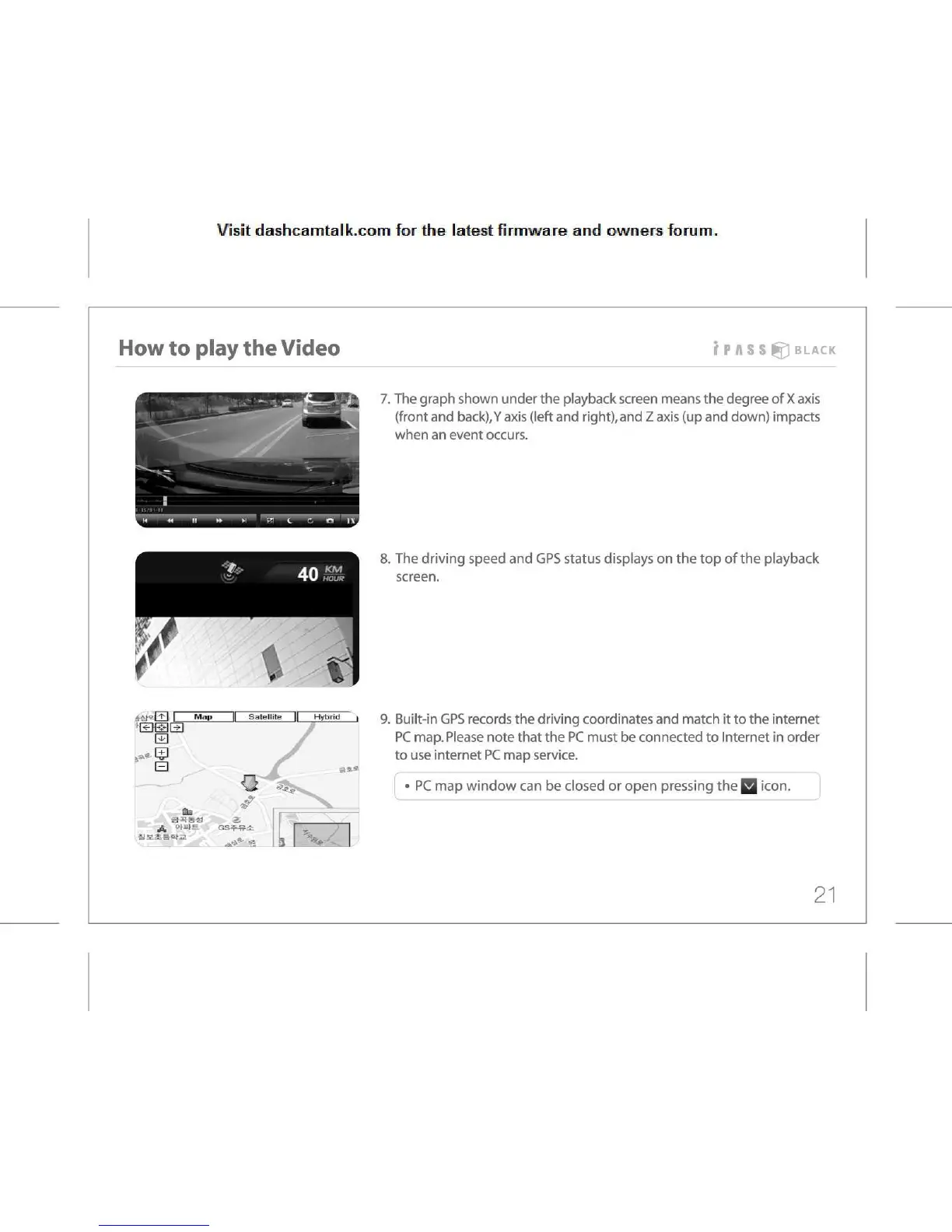
7.
The graph shown under the playback screen means the degree of X axis
(front
and back),Y axis (left and right),and Z axis (up and down) impacts
when
an event occurs.
8.
The driving speed and GPS status displays on the top of the playback
screen.
9.
Built-in GPS records the driving coordinates and match it to the internet
PC
map. Please note that the PC must be connected to Internet in order
to
use internet PC map service.
•
PC map window can be closed or open pressing the Q icon.
21



 To Next Page