Operating Instruction
4.1 Input / output channel key operation
Channel Button method
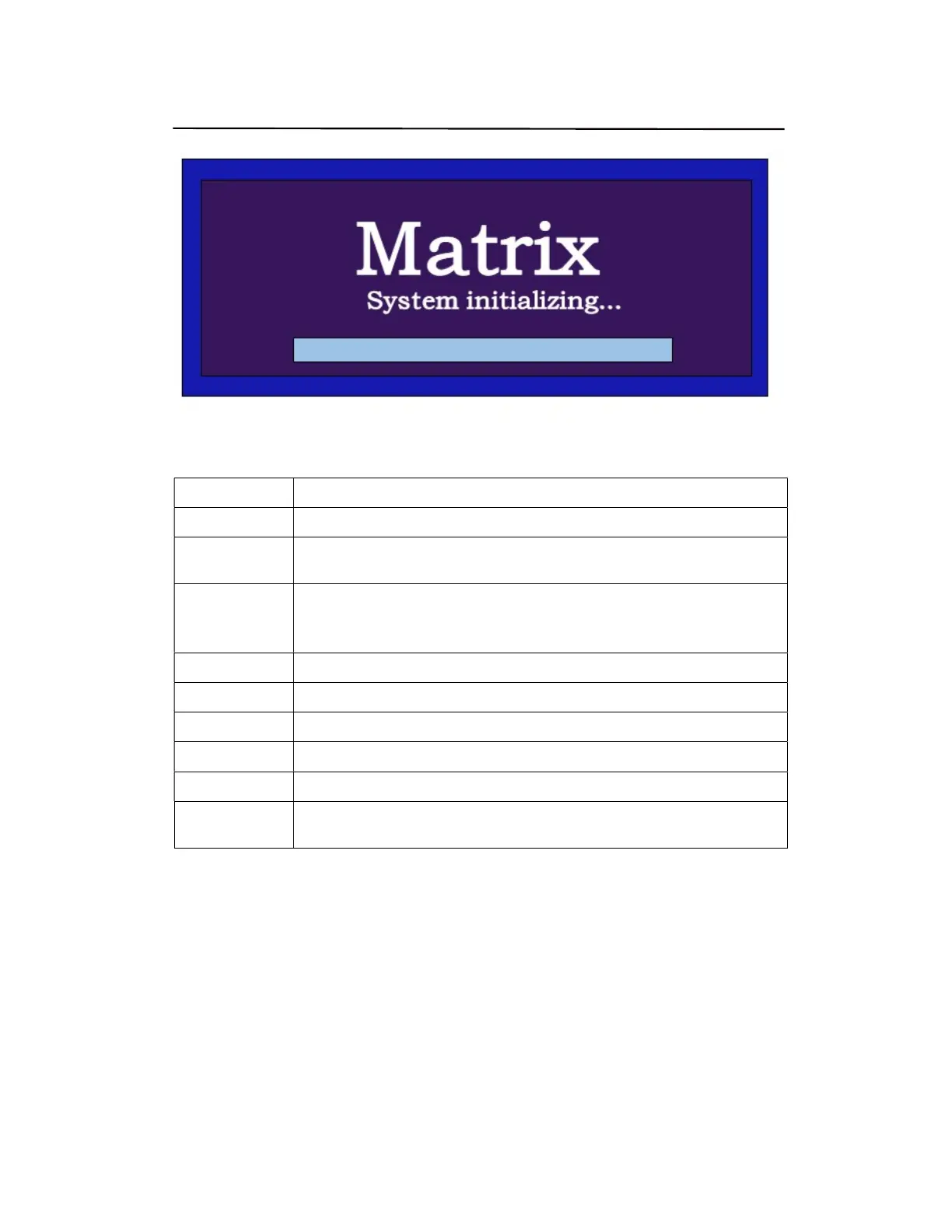
Any Key The first operation of the button can wake up the screen
Input 1-8
Directly press the number key, such as input channel 1, and select "1" to press (only when
the output port is selected, the input channel number will be valid)
Output 1-8
Directly press the number key, such as the output channel 5, select the key "5" and press it
again to cancel the selection;Long press output channel 8 to select all channels, and long
press again to cancel
MENU Function Button; Enter the function option or back to previous option
ENTER Confirm Button: enter function selection mode
UP Button for UP option
DOWN Button for NEXT option
DSP OFF Shut down the current selected output
LOCK
Long press lock (button built-in blue light on), Long press again to cancel lock (button
built-in blue light off)


 To Next Page