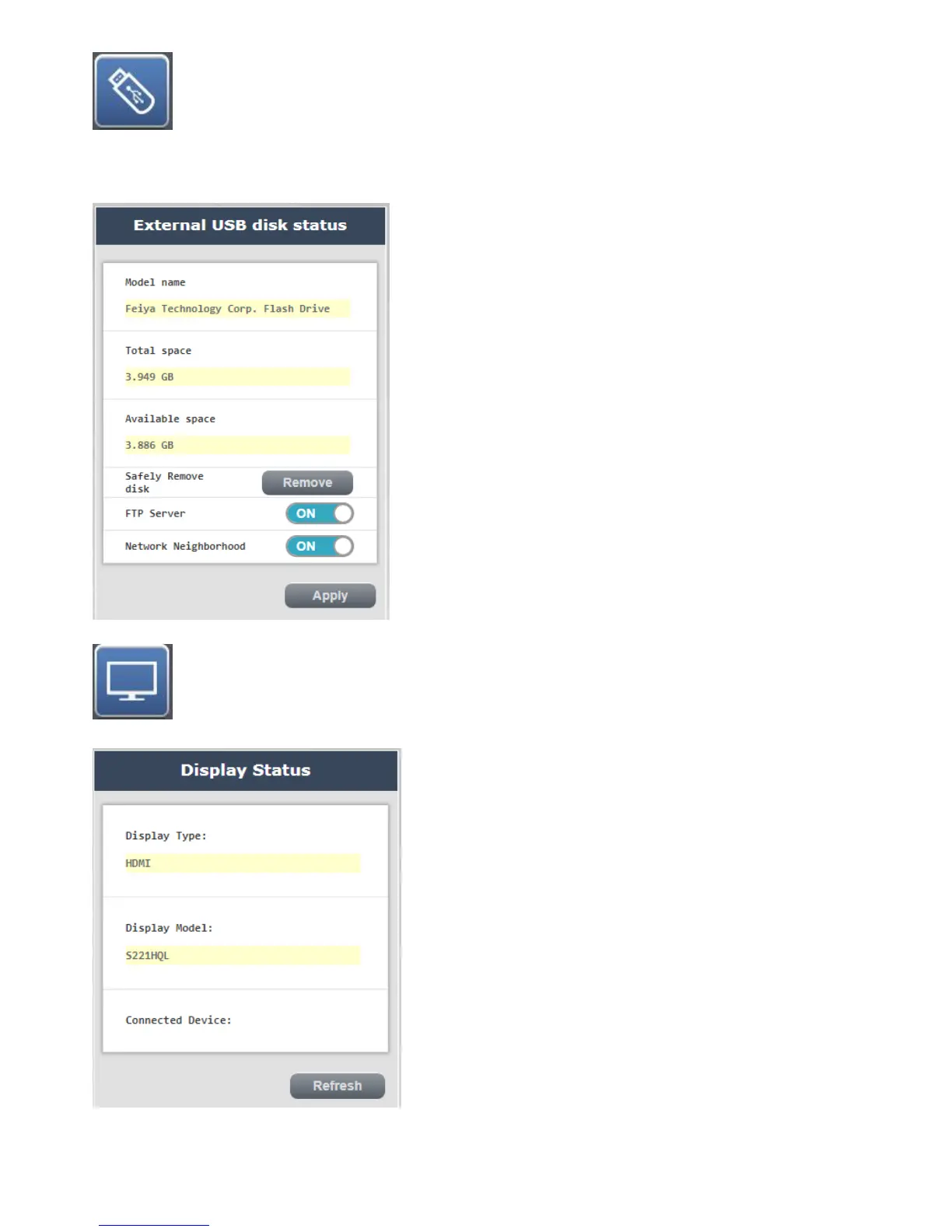
External USB drive status: You
can confirm the status of your current USB drive use, this page allows you to safely remove the USB drive,
set the file transfer server (FTP), switch and My Network Places, please after setting is completed apply
press,to complete the setting system re-opened after waiting for
State of the display completion :confirm your current connected to the HDMI / VGA display
state



 To Next Page