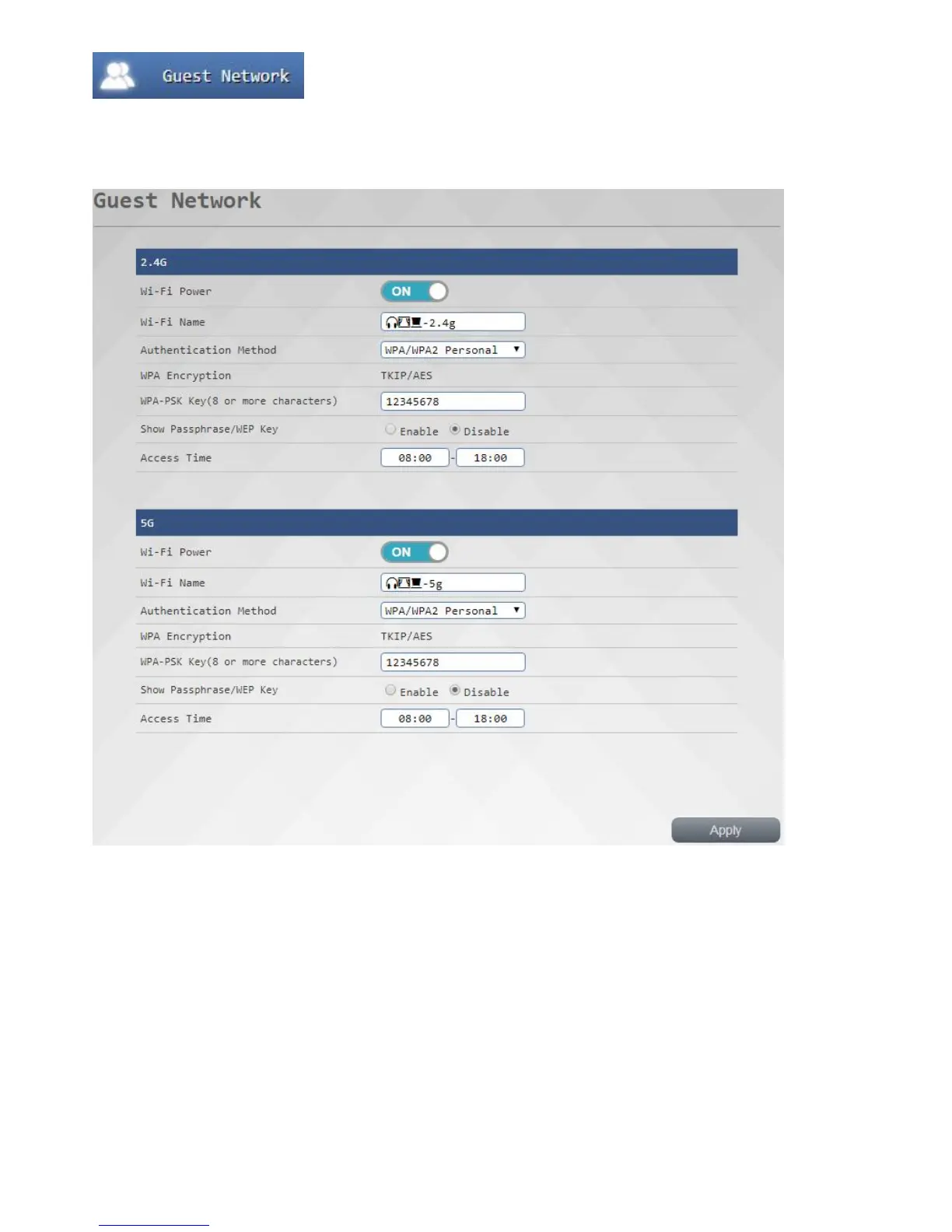
Visitor network set
This function feature is a set for each group in the intranet 2.4G / 5G band road isolation while at the same internet
connection wireless AP, while providing visitors networked have to worry about leakage of internal information, the
ability to achieve both safety and convenience, we can also allow users to determine open time, in more convenient
management.
To turn visitor network
1. Turn on Wi-Fi switch
2 . Input the desired name of Wi-Fi / encryption / password wireless
3. If you want to display the password on select Enable <wireless projector> screen <Display verify password / WEP
key>
4. Input time
5 . Press Apply button, after waiting for the system to complete the complete reopening of the setting



 To Next Page