---------------------------------------------------------------------------------------
☆Note
Open FTP Client Please connection 10.10.10.254 using the same management interface Account password
---------------------------------------------------------------------------------------
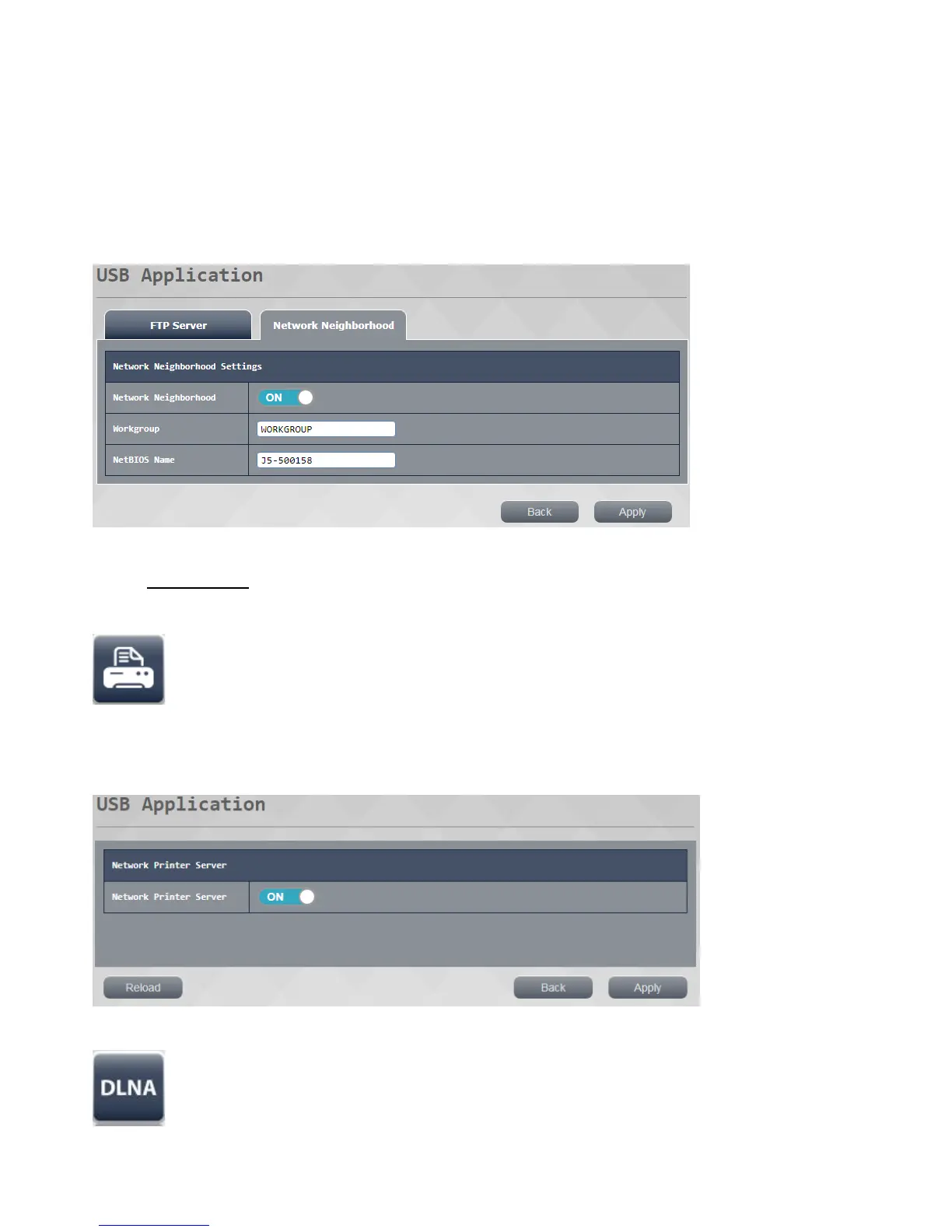
Click on "My network Places" top-down function describes the
1. Network Neighborhood settings: this function can be set to enable or disable the working group
2: Group name can be set to work NetBIOS name.
3 : NetBIOS name press applied after setting is completed, the system waits for completion reopened after the
complete set
---------------------------------------------------------------------------------------
☆ Note
perform\\ 10.10.10.254 accountsame password management interface
---------------------------------------------------------------------------------------
network printer server function: the router connected to the USB port of the printer, so that user printer
may be used by the
the presses to apply the setting is completed, after re-opening after completion of setting is the LAN the system
waits.
DLNA server function: through the DLNA server can play high-definition video in the presence of a USB
device, photos and music



 To Next Page