Set the DLNA server name switch with desire press Apply after setting is completed, that is, after waiting for the
reopening of the system is completed complete the setting.
---------------------------------------------------------------------------------------
☆ Note
wireless router supports most USB storage formats such as FAT , NTFS access formats,
such as to remove the USB device is removed from the recommended that the operation management
interface
---------------------------------------------------------------------------------------
Wireless 2.4G
on this page is 2.4G wireless network advanced settings, in this setting page can be set for further security
for wireless networks, if no such special needs , it is recommended to maintain the preset value, refer to
Advanced settings Advanced Wi-Fi settings on their own data.
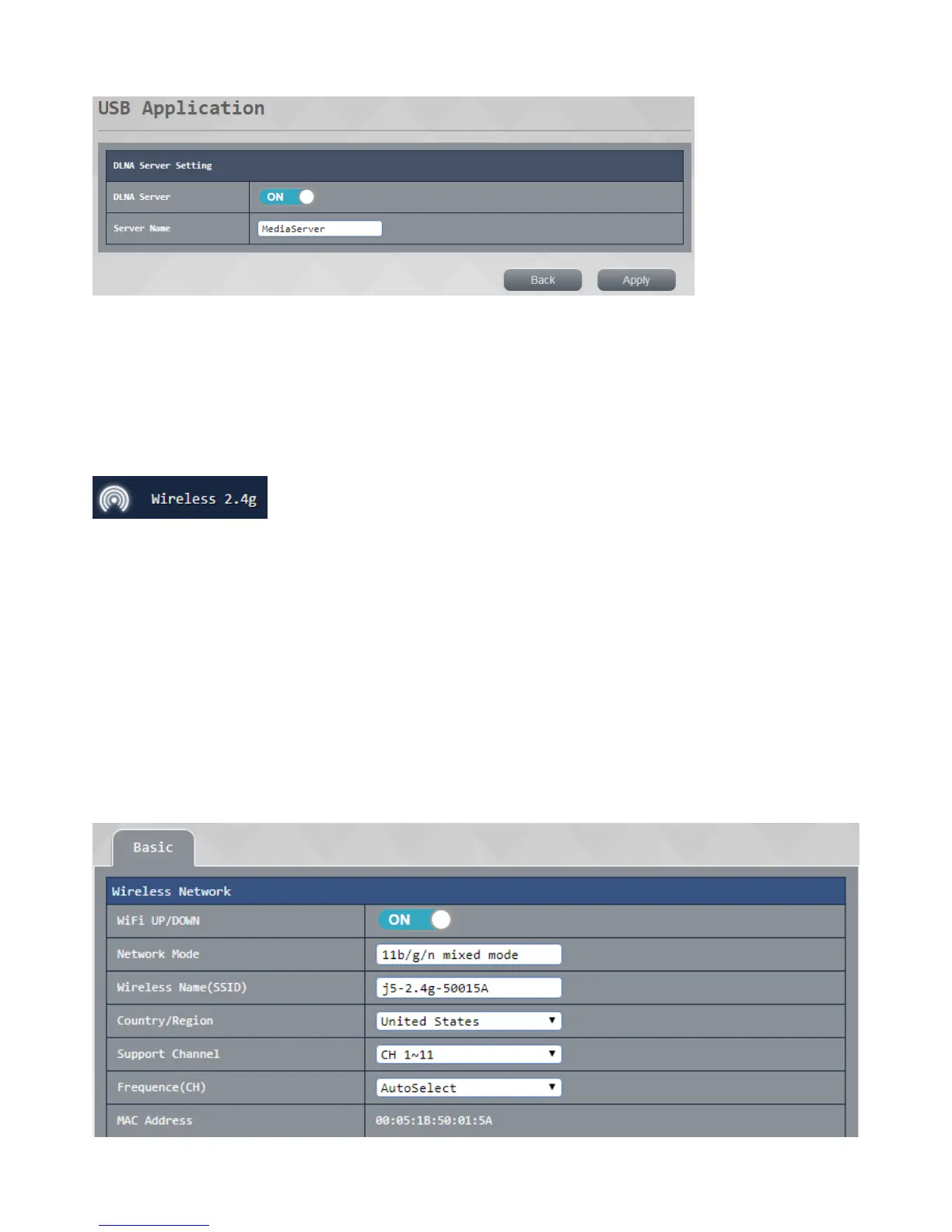
Basic settings:
● Wi-Fi on / off: Set up your 2.4G wireless network switch
● network mode: Confirm your current 2.4G wireless network modenetwork
● Wi-Fi name: customizable you wish to use the wireless network name (SSID)
● Support channel / frequency: select your current 2.4G wireless network channel, you can change this
option to avoid using the same channel signal instability caused by co-location with other routers or
wireless
● TheMAC signal :displays the MAC router bits address
press apply after setting is completed, wait for the system to complete the set to reopen after completion.



 To Next Page