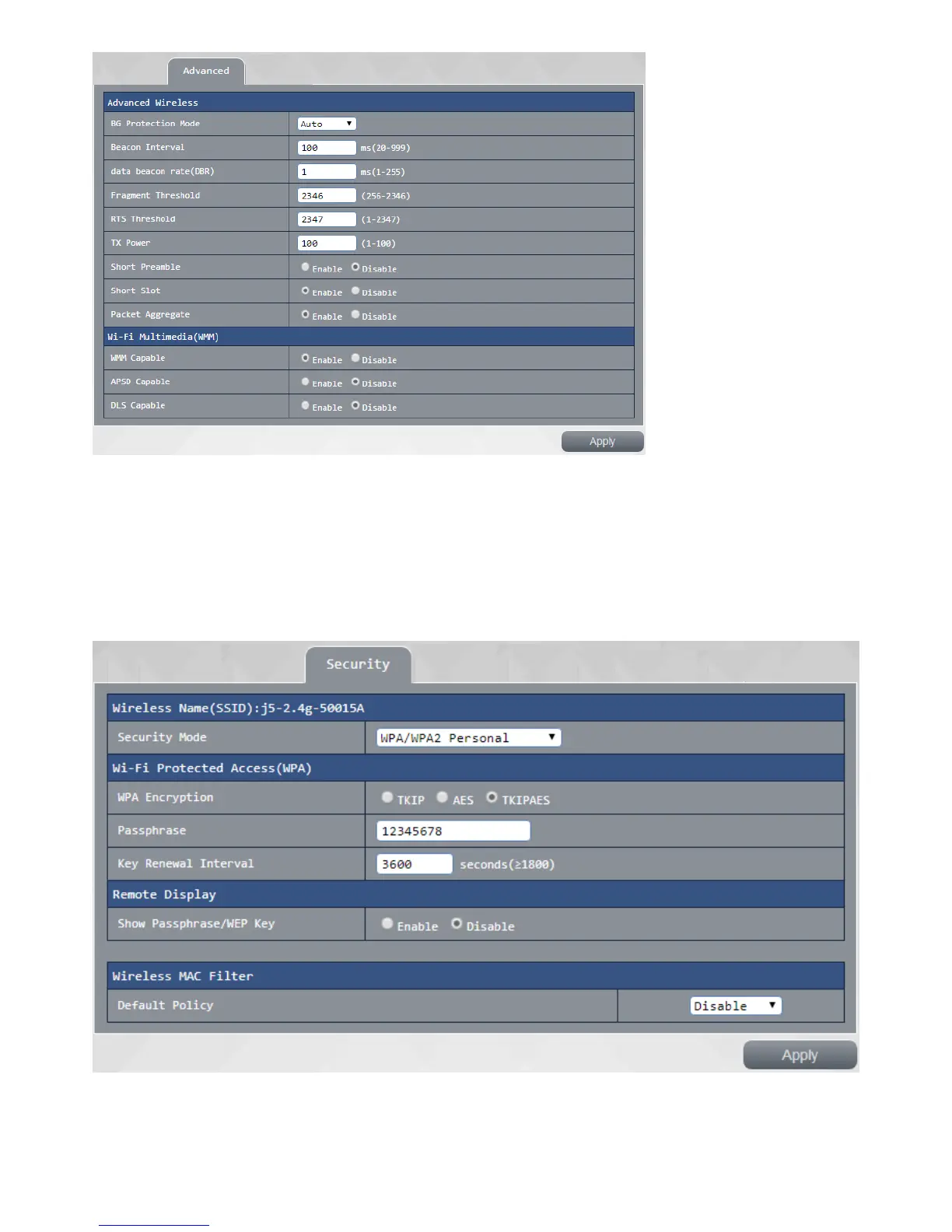
Security settings:
This page can be a security 5G wireless network for further setting:
Security mode Select your 5G wireless signal on / off mode as well as encryption, support WPA / WPA2
Personal security encryption mode
and WPA / WPA2 Enterprise security encryption mode, such as your security mode is selected as WPA /
WPA2 personal security mode, encryption option to use AES encryption or TKIPAES encryption,
authentication and cryptographic key update cycle can be customized.
Remote Display: This setting determines a user can see when you wireless JWR2100 wireless projection
signed key



 To Next Page