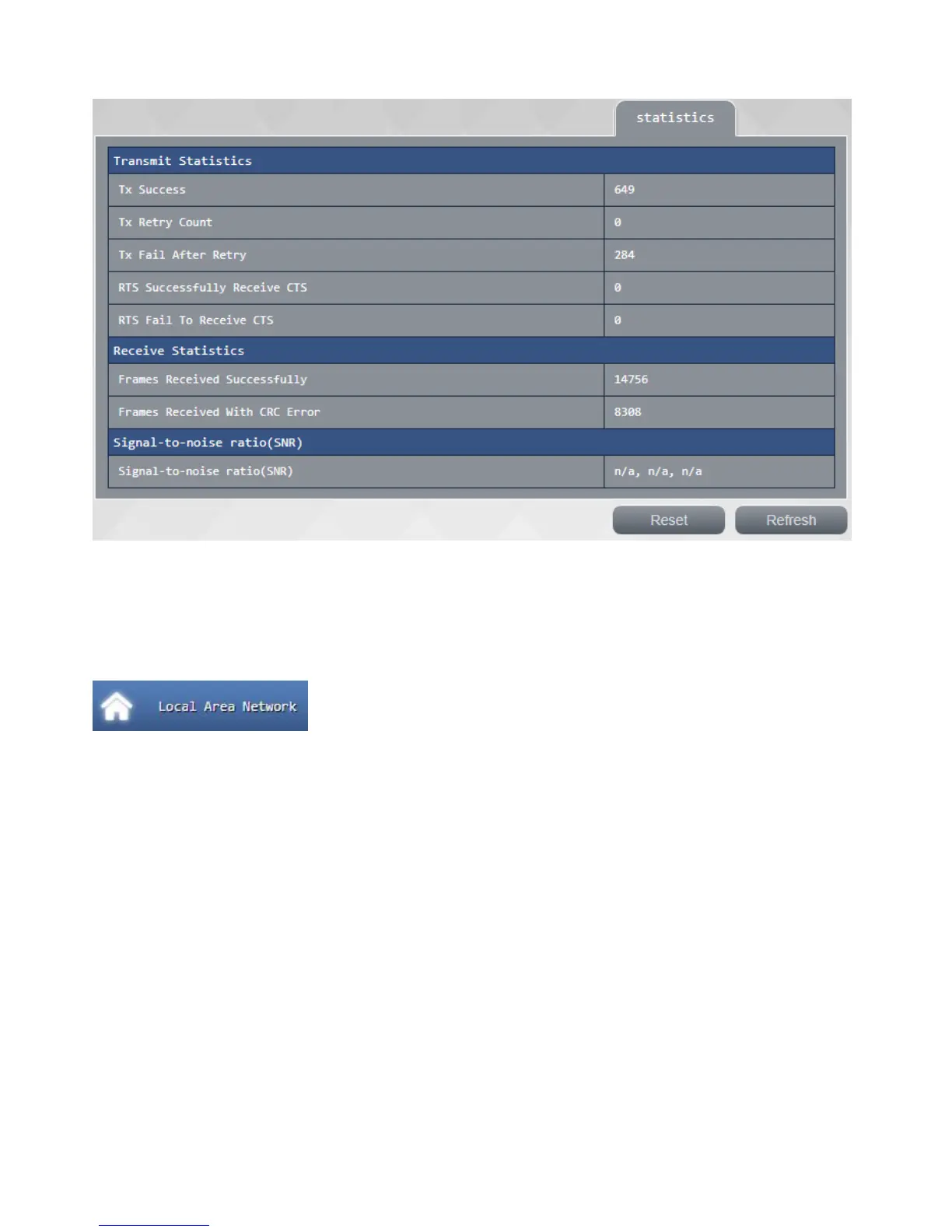
confirm this page to your current Wi-Fi packet transmission status, you can press <reset> to zero or press
<Update> get current data.
Local Area Network
Click <Local Area Network> on the left side to enter the this page, this page can be used for advanced
settings such as host name for the router intranet, Internet address, network mask, DHCP server
automatically or manually set values, change the input after the completion of press "apply" to make your
settings changes to take effect.



 To Next Page