ULTRA STATION USER MANUAL
3
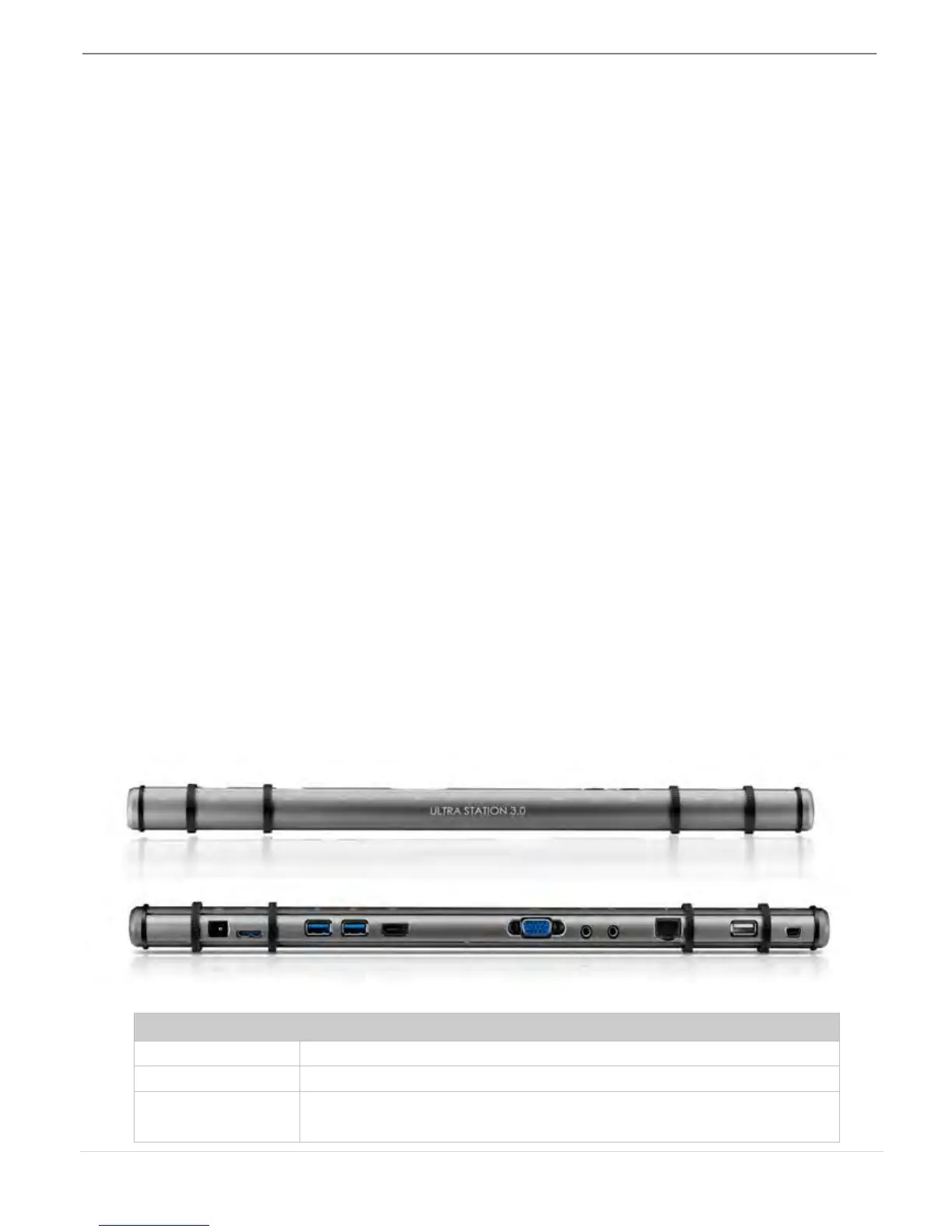
This intelligent USB 3.0 Laptop Docking Station enables you to add a 2
nd
monitor instantly via
HDMI or VGA connectors. When you need to get things done fast, simply connect your
monitor, keyboard, mouse, Ethernet, speakers, microphone and any other USB3.0 / 2.0
peripheral to your laptop with one USB 3.0 cable. Now you can use the Ultra Station’s
Keyboard / Mouse “Wormhole” functions to drag & drop across two computers for file
copying & sharing. It is the perfect solution for expanding your Ultrabook or MacBook ® into a
full sized workstation and it increases productivity with its cross-platform multitasking ability.
Required Environments
Microsoft Windows 7/XP (32-bit or 64-bit) Compatible
Mac OS X 10.6 Snow Leopard /10.7 Lion Compatible
Available USB port(USB 3.0 is recommended)
Minimum System Requirements
CPU: Intel 2 core Quad 2.33 GHz
RAM: 2 GB DDR2
iPad: USB connection kit
Note for Video Player:
*Windows XP user: “Windows Media Player” is recommended for video playback
*Windows XP user & MAC user: Windows XP & MAC products are not supported by USB
3.0 at this time, therefore we suggest USB 2.0 for ‘office application’ only; Video
Playback is not recommend due to USB 2.0 bandwidth limitations causing limited video
performance.
Physical Specifications



 To Next Page