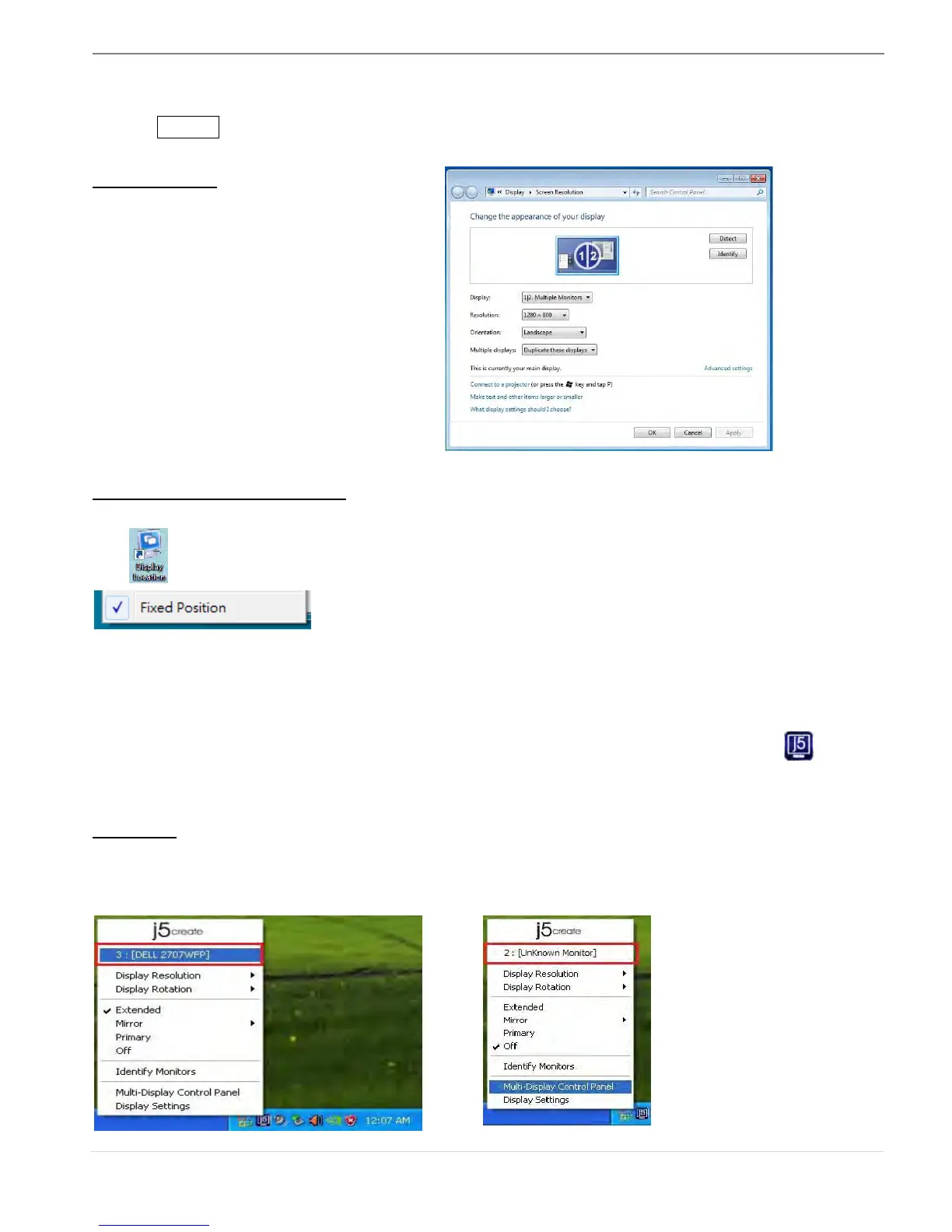
Display Location & Fix Position
This function helps you arrange the positions of all the display locations you have set. You will
see icon on desktop. After “Display Location Setting”, make a “Check”
in this function. All display location will be fixed. It is great for multi-
displayer user.
FUNCTIONS INSTRUCTIONS: WINDOWS XP
You can choose all the functions simply and directly only by clicking on this icon( ) seen
on the lower right toolbar.
Display ID
Smart Display Device ID Detection
The ULTRA STATION supports VESA defined DDC/EDID. The utility will show the display device
ID whenever it is attached to the ULTRA STATION



 To Next Page