© 2017 Jackson Labs Technologies, Inc. 43
Mini-JLT GNSS™ User Manual
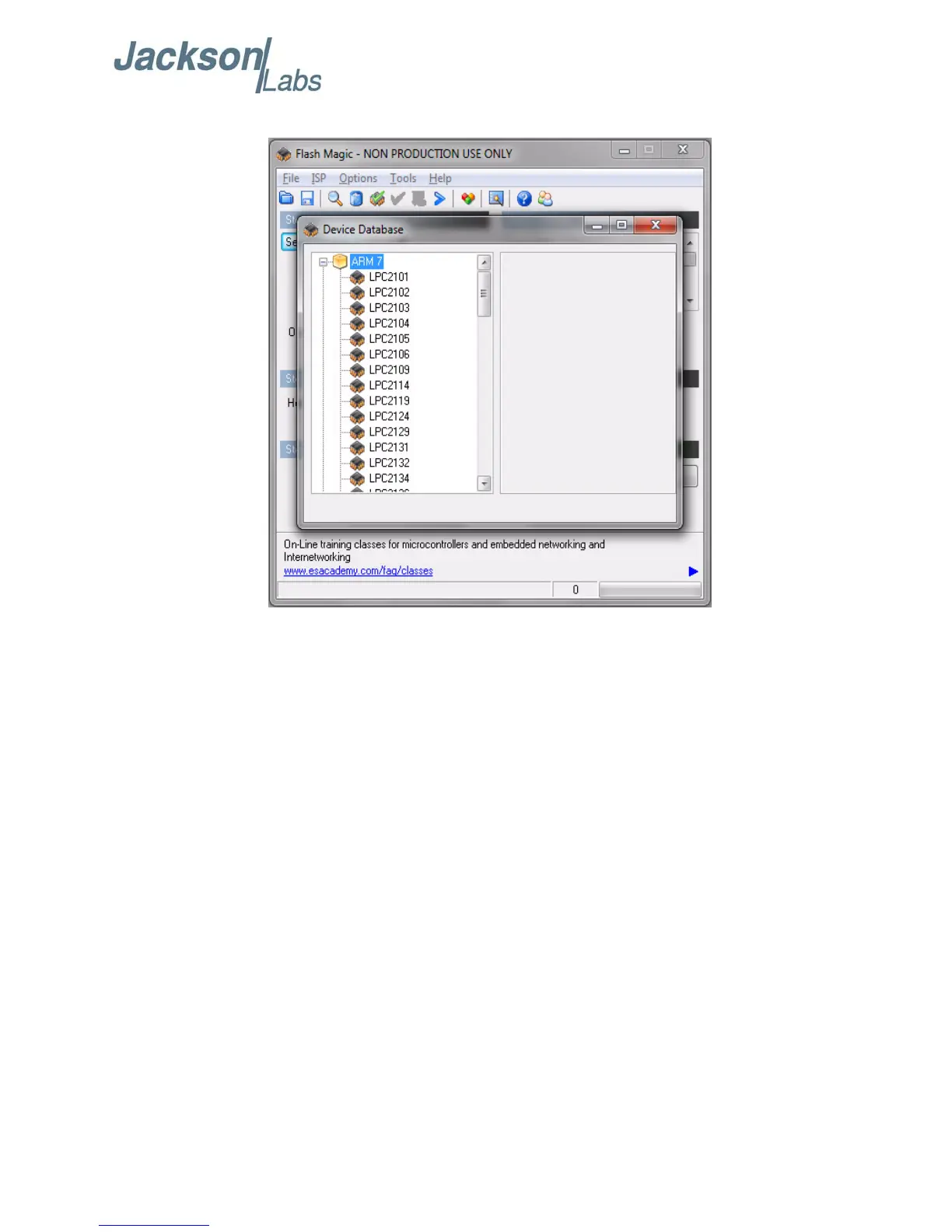
Figure 4.5 Expanded device selection window
D) Select the Baud Rate of the Flash Magic utility to be 38400 or slower. Faster Baud rates will not
work properly.
E) Set the Oscillator (MHz) to “10”.
F) Check the box marked “Erase blocks used by Hex File”.
Warning: Make sure NOT(!) to check the box marked “Erase all Flash+Code Rd Prot” under any
circumstances, this may erase factory calibration data, and the unit will not operate and
will have to be returned to the factory. Checking this box on the ISP utility will thus void
the warranty.
G) Under “Step 3 - Hex File” browse for the hex file that you downloaded in step 4.4 .
H) Go to Step 5 and press “Start”. You will observe the firmware being downloaded to the Mini-JLT
GNSS™.
4.5 Verifying Firmware Update
Power cycle the unit with the pin 2 of J5 (ISP#) left floating. Both LED’s should blink.
During power on, the unit sends an ID string out of the serial port at 115200 Baud by default. The
firmware version can also be queried by sending the *IDN? command. Verify that the firmware
version is the version that was downloaded.



 To Next Page