Need help?
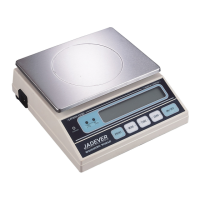
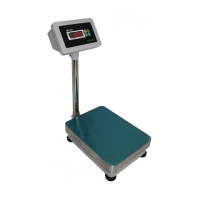
Do you have a question about the Jadever LPWN-7515 and is the answer not in the manual?
Enter function setting mode by holding MODE, CAL appears, press PRINT to show model.
Set the weighing unit (e.g., kg, g, lb) using MODE and TARE keys.
Configure the initial unit displayed upon power-on using MODE and TARE keys.
Adjust the filter level (1-4) for reaction speed and filtering effect.
Set the time (5-60 min) for automatic power off when idle.
Control the backlight: OFF, ON, or automatic (AUT).
Adjust the zero tracking range (0-5) for stability.
Select the RS-232 baud rate (2400, 4800, 9600).
Configure RS-232 printing mode (Co, St, Pr) for data transmission.
Select the external device for printing (PC, SH, EZ).
Determine if printing requires stable mode (YES/NO).
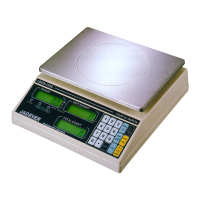
Steps for operating the simple counting function, including sample placement and standard selection.
Procedure for linear calibration using specific weight loads.
Steps for performing single-point calibration with weight adjustments.
Setting precision levels (SenC1, SenC2) for specific software versions.


 To Next Page
 General