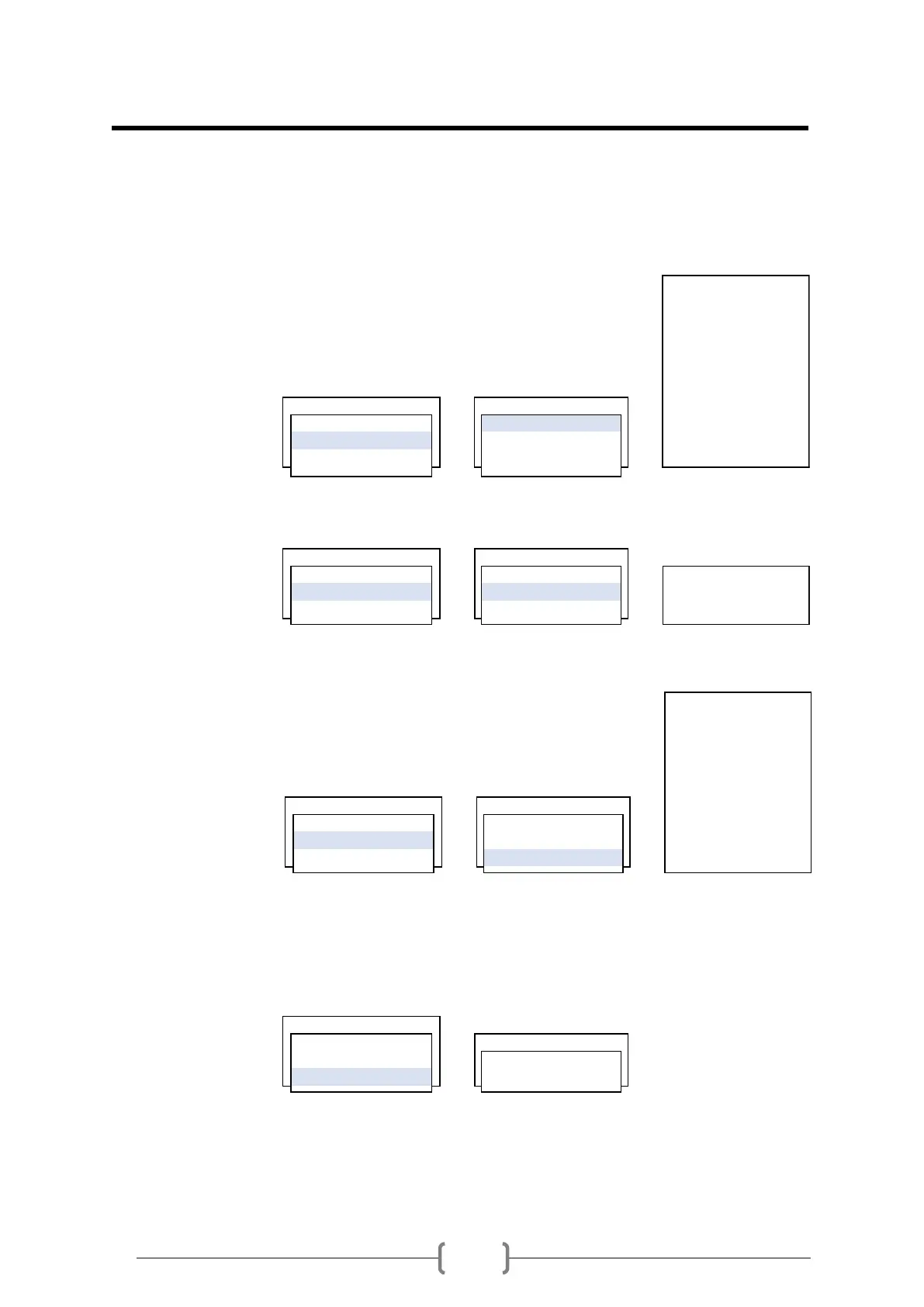
Move cursor to CALIBRATION METHOD.
1) NO CALIBRATION is no calibration. It does not affect any calibration to
the flow.
2) MULTI-POINTS is multi-point calibration menu. User can test flow from
minimum to max flow. And can input each test points to flowmeter.
VIEW user can see each input points.
ADD user can add test points.
DELETE user can delete test points.
Kc SET is flow calibration with calibration factor.
If flow is 100 and Kc is 1.0, then flow became 100.
If flow is 100 and Kc is 1.01, then flow became 101.
If flow is 100 and Kc is 0.99, then flow became 99.
Enable Agc AGC is Automatic Gain Control function. Enable is default.
0.0000 : 0.000
0.0000 : 0.000
0.0000 : 0.000
0.0000 : 0.000
0.0000 : 0.000
0.0000 : 0.000
1 . METHOD 1 . VIEW 0.0000 : 0.000
2 . MULTI-POINT SET 2 . ADD 0.0000 : 0.000
3 . Kc SET 3 . DELETE 0.0000 : 0.000
BEFORE AFTER


 To Next Page
 Loading...