Font Displaying Colors & Night Light
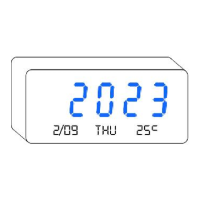
1. Press to change letter colors. If you want to freeze
certain color, you can hold the button and release it when you
find your favorite.
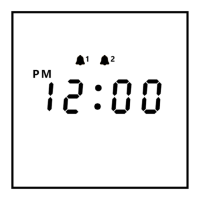
1. In the time display state, press to adjust the screen
brightness from High -> Low -> High.
2. You can also press auto-dimmer button to auto adjust the
screen brightness. In this mode, the brightness will auto change
according to the environment light, makes it dimmer at night and
brighter at daytime. It shows “ON”, which means it’s turned ON,
while “OFF” means it’s turned OFF.
Screen Brightness (by device buttons)
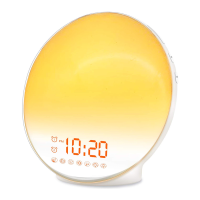
2. Press to turn ON / OFF the night light at the back.
Continue to press button to adjust the brightness
of the light.
14


 To Next Page