1. Countdown switch
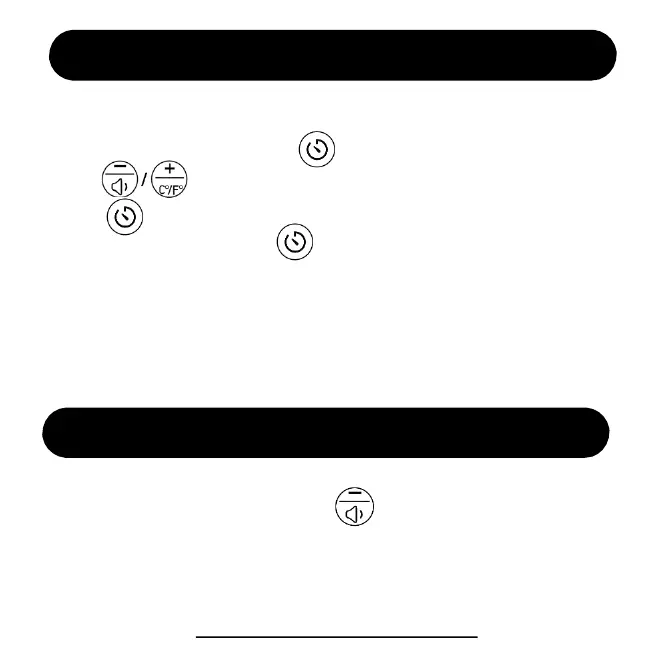
In the time display screen, press to set countdown time,
Press to set your desired time (range from 1~30MIN).
Press to start counting down. If you want to stop it and return to
time display screen. Just hold for 2s to quit.
2. How to stop the bell rings?
1) Press any buttons to stop it.
2) The bell will ring for 60 seconds and stop automatically.
Countdown Setting (by device buttons)
Volume Setting (by device buttons)
In the time display screen, press to set alarm volume
range from (V01-V05)
ThreeDucksDirect@outlook.com
15


 To Next Page