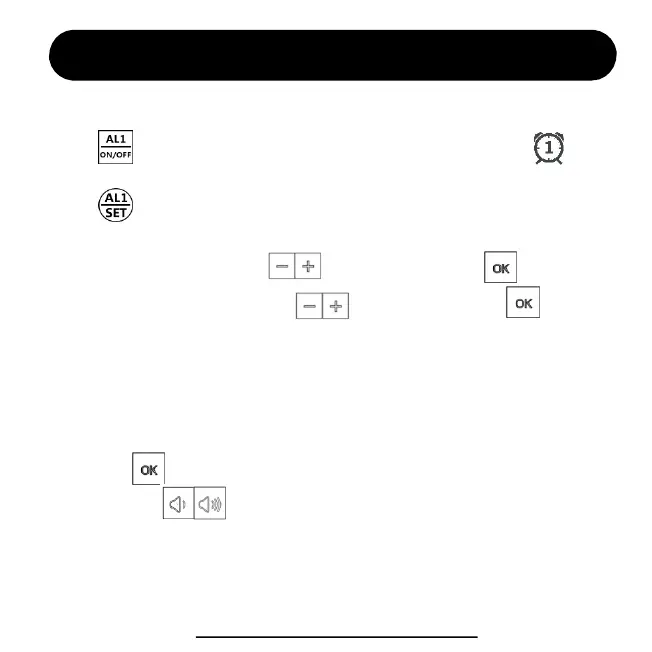
4. Then “Minute” is flashing, press to select value. Press and next.
2. Press to enter the alarm #1 setting, you will set in sequence for
Alarm Hour > Minute > Alarm Mode (MON-SUN, MON-FRI, SAT-SUN).
Alarm Setting (by remote control)
1. Press to activate / inactivate alarm #1. You will see the icon appears,
that means alarm #1 is activated, while disappears means alarm #1 is inactivated.
3. The “Hour” is flashing, press to select value. Press and next.
5. Then select your alarm mode. There’re 3 modes to choose from.
1-7 means alarm works for Monday to Sunday (every day).
1-5 means alarm only works for Monday to Friday.
6-7 means alarm only works for Saturday to Sunday.
Then press to finish alarm setting.
6. You can press to adjust alarm volume from V01 to V05.
Note: Please follow the same setting to set Alarm #2.
ThreeDucksDirect@outlook.com
6


 To Next Page