How to stop alarm? (by remote control)
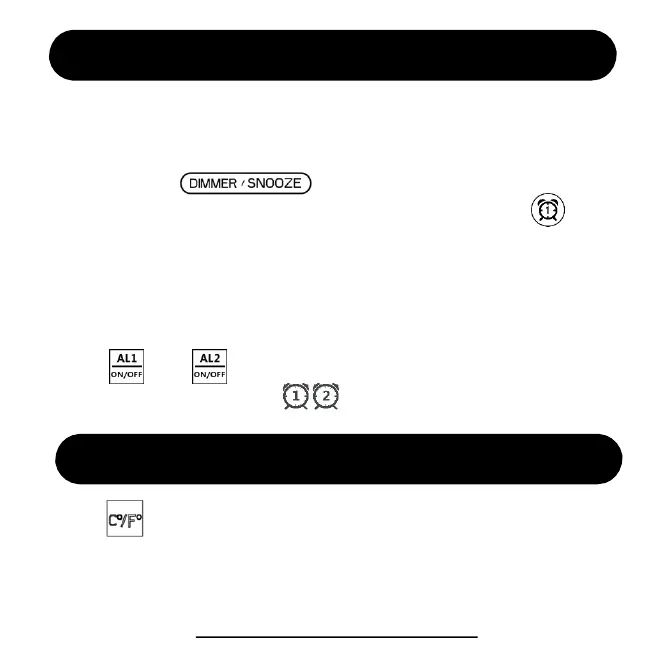
1. When the alarm goes off, press any buttons on remote control to
stop the alarm. It will go off the next day.
2. If you press button on the clock when it goes off, it
will ring again in 9 mins. After 9 mins, you have to press button
to stop it. It will go off the next day. You can snooze up to 5 times.
3. Without any operation, the alarm will ring for 20 minutes and stop
automatically. It will still go off the next day.
Note: If you want to disable the alarm permanently,
press or to turn it off so that it won’t go off the next day.
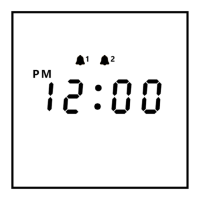
You will see the alarm icon disappear on the screen.
Temperature Unit (by remote control)
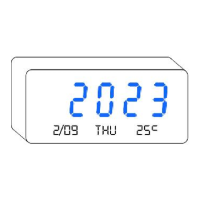
Press to change temperature from C° to F°.
Note: The temperature is detected by the sensor inside the clock. You
can’t set it manually.
ThreeDucksDirect@outlook.com
7


 To Next Page