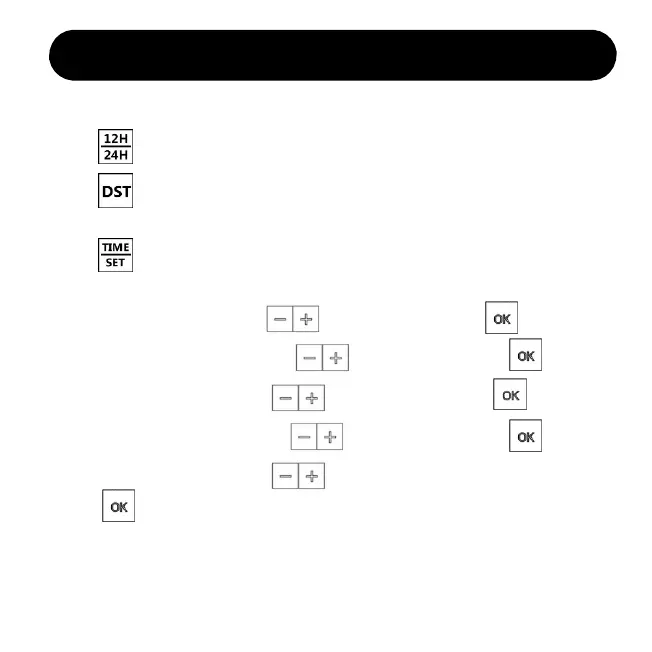
5. Then “Minute” is flashing, press to select value. Press and next.
3. Press to enter the time setting, you will set in sequence for
Hour > Minute > Year > Month > Date
Time Setting (by remote control)
Note: we strongly recommend to set with remote control for the whole setting.
1. Press to select 12-Hour or 24-Hour mode according to your habits.
2. Press to turn on AUTO DST, it’s for daylight saving time area.
If you don’t need it, just ignore this step.
4. The “Hour” is flashing, press to select value. Press and next.
6. Then “Year” is flashing, press to select value. Press and next.
7. Then “Month” is flashing, press to select value. Press and next.
8. Then “Date” is flashing, press to select value.
Press to finish time setting.
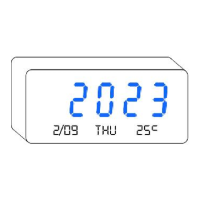
Note: You don’t have to set the day of the week. It’s calculated automatically.
If you find the day is wrong, it’s most likely you’ve set a wrong “YEAR”.
When you turn on Auto DST, time will auto adjust on March and November.
If you don’t need auto DST, please turn if off.
5


 To Next Page