RM3000 Test Unit Software Instructions
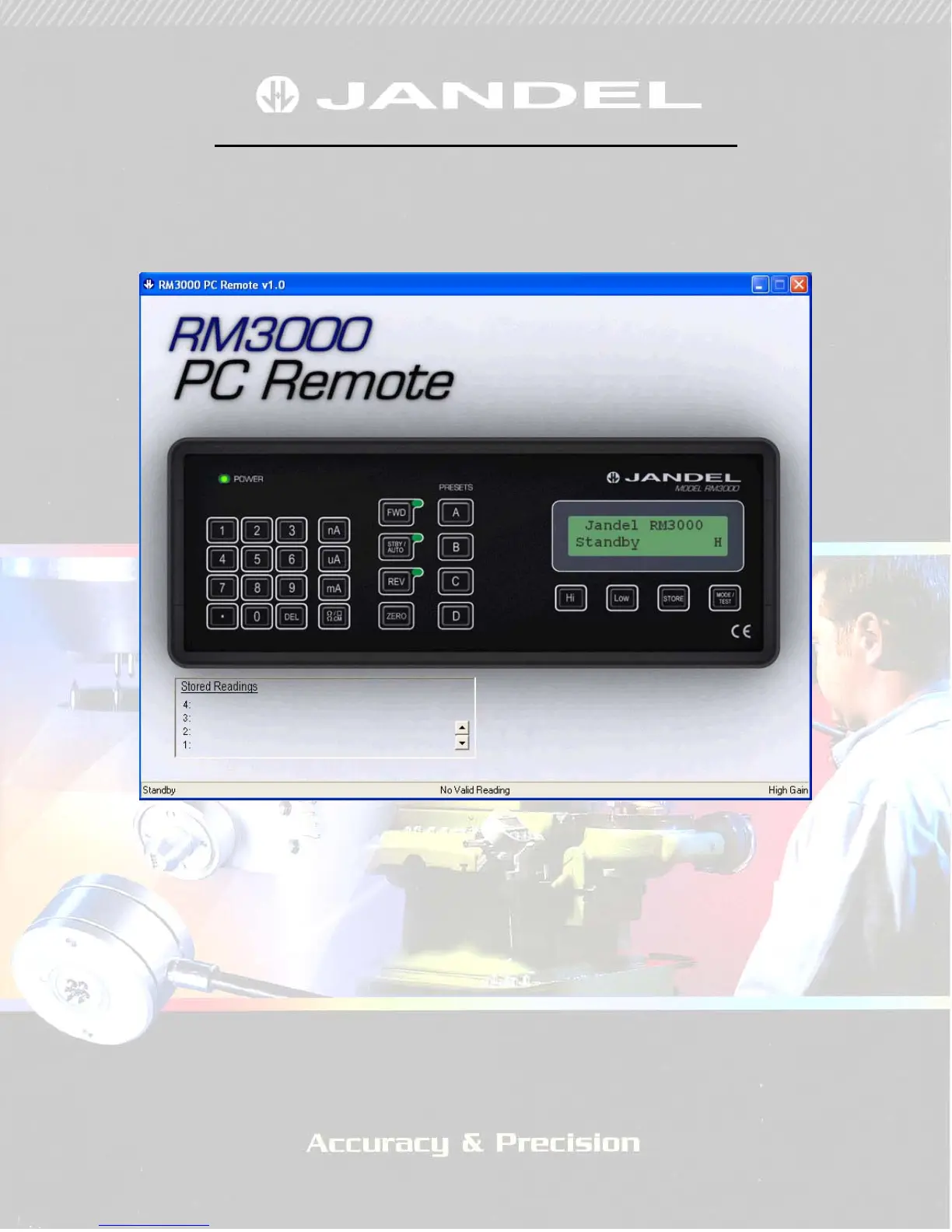
When the software is opened it gives a graphical representation of the unit
itself. Anything displayed on the unit’s LCD screen is displayed in the green
area of the software.
FIGURE 1
Note that the LED’s are also represented. In figure 1 the unit is in ‘standby’
and so the LED next to the standby button is illuminated.
The RM3000 can be controlled via the software by clicking on the display
buttons as if pressing the unit’s buttons. Please refer to the RM3000
instruction manual for how to use the unit.


 To Next Page