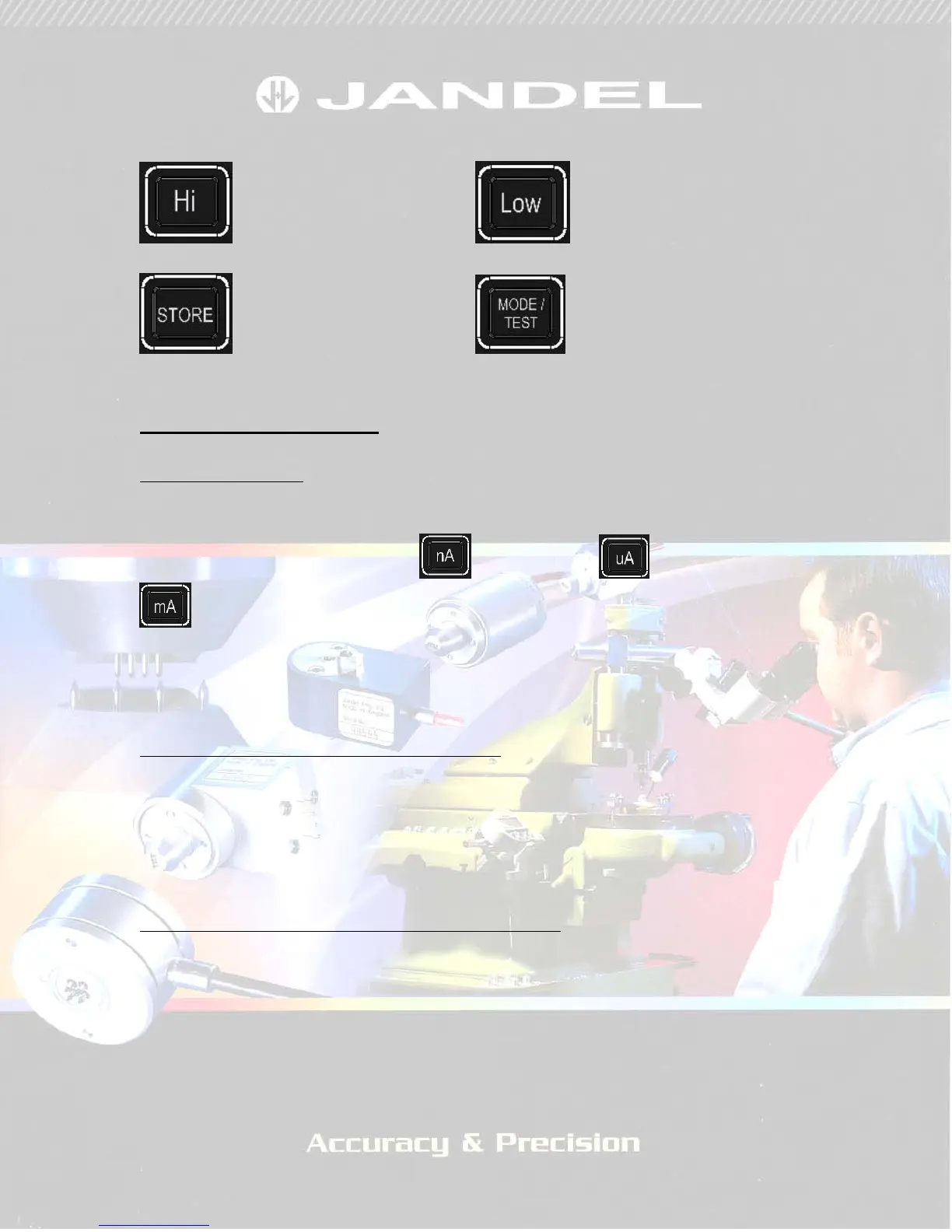
Four buttons remain as follows:
High button Low button
Store button Mode / Test Button
Operation of the RM3000
Selecting a current
The keypad is used to input the desired current. It is used in combination
with the current level buttons.
The current level buttons are
(nanoamps), (microamps) and
(milliamps). Values between 10nA and 99.999mA can be entered, and
the accuracy of the current delivered does not depend on the number of
decimal places inputted, i.e. 10nA (pressing 1, 0, nA) is equivalent in
accuracy to 10.00nA (pressing 1, 0, ., 0, 0, nA)
Storing Currents using the Preset Buttons
Commonly used currents can be stored in positions A to D. When the
required current has been dialled in, pressing and holding one of the buttons
will store the current in that location. Successful storing is demonstrated by
the unit beeping. Retrieving the currents is done by simply pressing the
relevant letter.
Displaying ohms/square , ohm.cm or mV values
Pressing the ohms button toggles the display between giving measurement
results in mV and one of ohms/square, ohm.cm (wafers) or ohm.cm
(volume). The default setting toggles between mV and ohms/square.
Pressing and holding the ohms button until a beep is heard will change this
to toggle between mV and ohm.cm (volume resistivity). Pressing and
holding again until a beep is heard will change it to toggle between mV and
ohm.cm (for wafers). To get the correct results for wafers or volume


 To Next Page