RM3000 USB/RS232 COMMAND REFERENCE SHEET
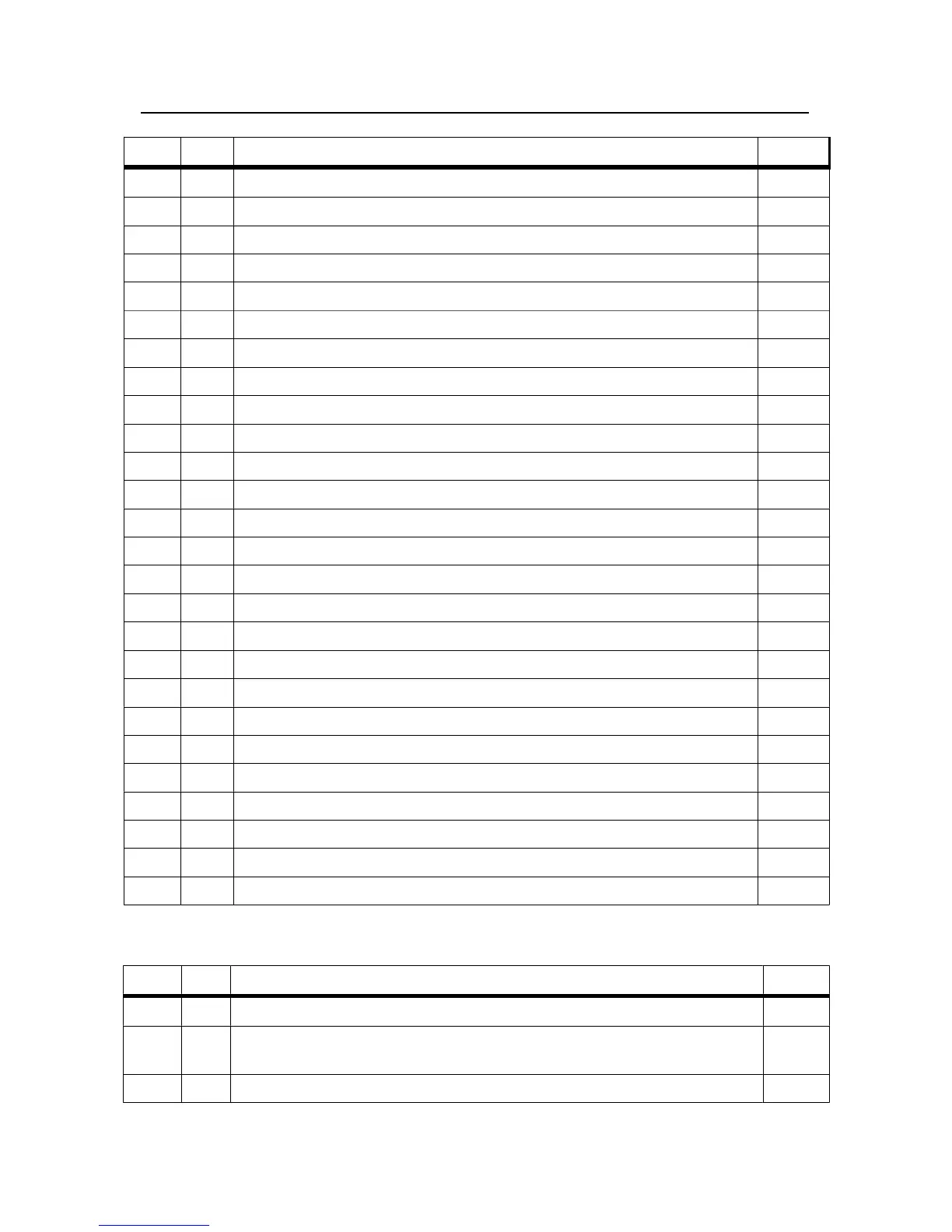
ASCII HEX Description Key(s)
D 44 Download – Must be followed by a memory entry number 0-49 as ASCII N/A
a-d 61-64 Selects pre-set A-D A,B,C,D
0-9 30-39 Represents a digit for current entry 0-9
r 72 Reverse Mode REV
f 66 Forward Mode FWD
/ 2F Force the remote probe to enter position based on the status of STBY N/A
s 73 Standby Mode STBY
A 41 Begin an Auto range AUTO
+ 2B Enter the Settings Menu MODE
~ 7E Toggle Impedance mode – R/sq, R/cm, R/cm/W R.cm
t 74 Enter Self Test TEST
q 71 Toggle Voltage or Impedance R/sq
z 7A Zero Offset ZERO
v 76 Version Output N/A
M 4D Store reading to next available memory position STORE
! 21 Erase ALL stored readings from memory STORE
= 3D Return free memory N/A
o 6F Output data in text format: Current, Voltage, R/Sq N/A
l 6C Enter Low sensitivity mode LOW
h 68 Enter High sensitivity mode HI
m 6D Represents milliamps when entering a current mA
n 6E Represents nanoamps when entering a current nA
u 75 Represents microamps when entering a current uA
e 65 Erase current entry or reset setting DEL
. 2E Decimal Point used for current entry .
g 67 Output LCD Capture with 32 status bits as a HexWord N/A
Below are the commands for factory and calibration use only.
ASCII HEX Description Key(s)
* 2A Enter Calibration Mode – Once sent, calibration features are unlocked N/A
@ 40 Prompts for a value to slightly adjust current output for
10nA/100nA/10mA ranges only
N/A
x 78 Calibrates DVM with current 1 volt reading N/A


 To Next Page