QMP16SU Service Manual | 67
How to Run Burn-in
IMPORTANT:
Method 1
On the display, press the ToolsDiagnoscs
NOTE
To stop Burn-in, do one of the following:
•
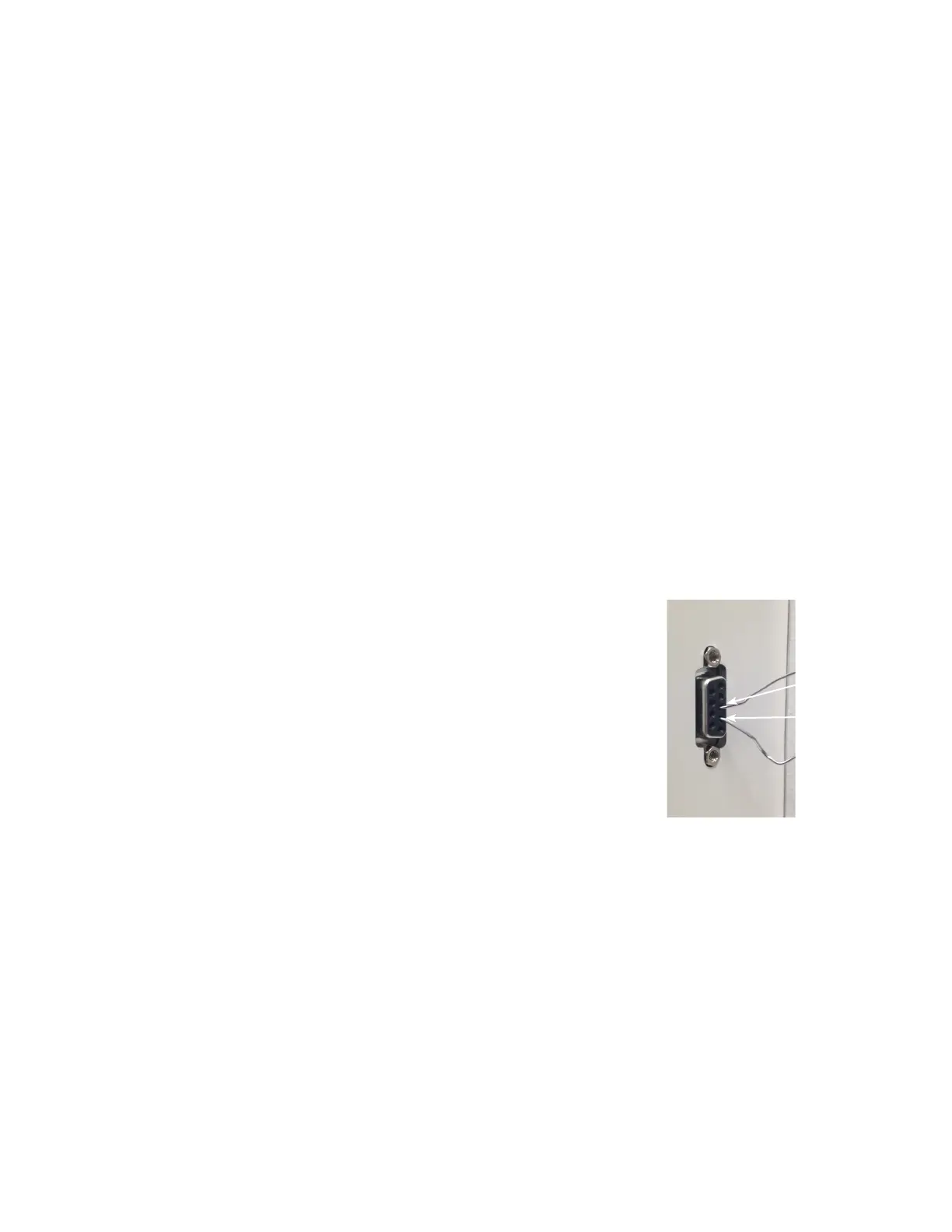
Method 2
there.
Pin 3
Pin 2
Jump pins
2 and 3
When to use Burn-in
•
•
• Use either Method 1 or Method 2 to start burn-in.
•
•
•
•






 To Next Page