19
4.2 V-650/660/670 Spectrophotometers: Overview
4.2.1 Overview
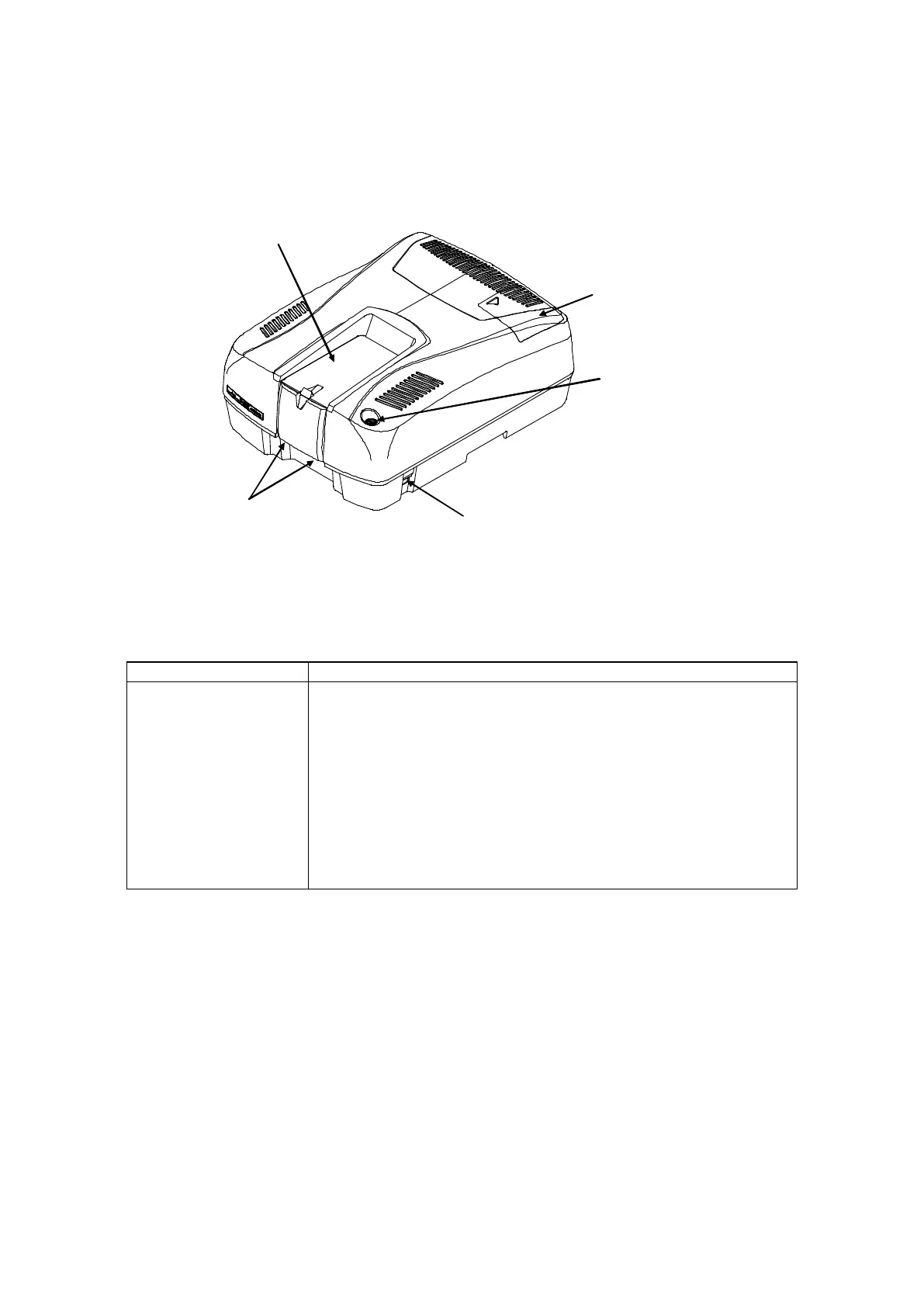
"Power" switch
Fixing screws
Sample compartment
Figure 4.3 V-650/660/670 appearance
Name Function
Sample compartment Slide the lid back to open it. The single position cell holder (the
standard cell holder) is installed. The cell holder located toward
the front is the sample cell holder, and the one located toward the
rear is the reference cell holder.
Fixing screws Fixes the standard cell holder in position. Loosen the two fixing
screws, pull the standard cell holder toward you a little and lift to
remove it.
“Power” switch When the switch is pressed on, the power supply is turned on.
“START” switch Switch to start measurement. The lamp flashes during
measurement.
Light source lid The light source is housed here.



 To Next Page