Page 37
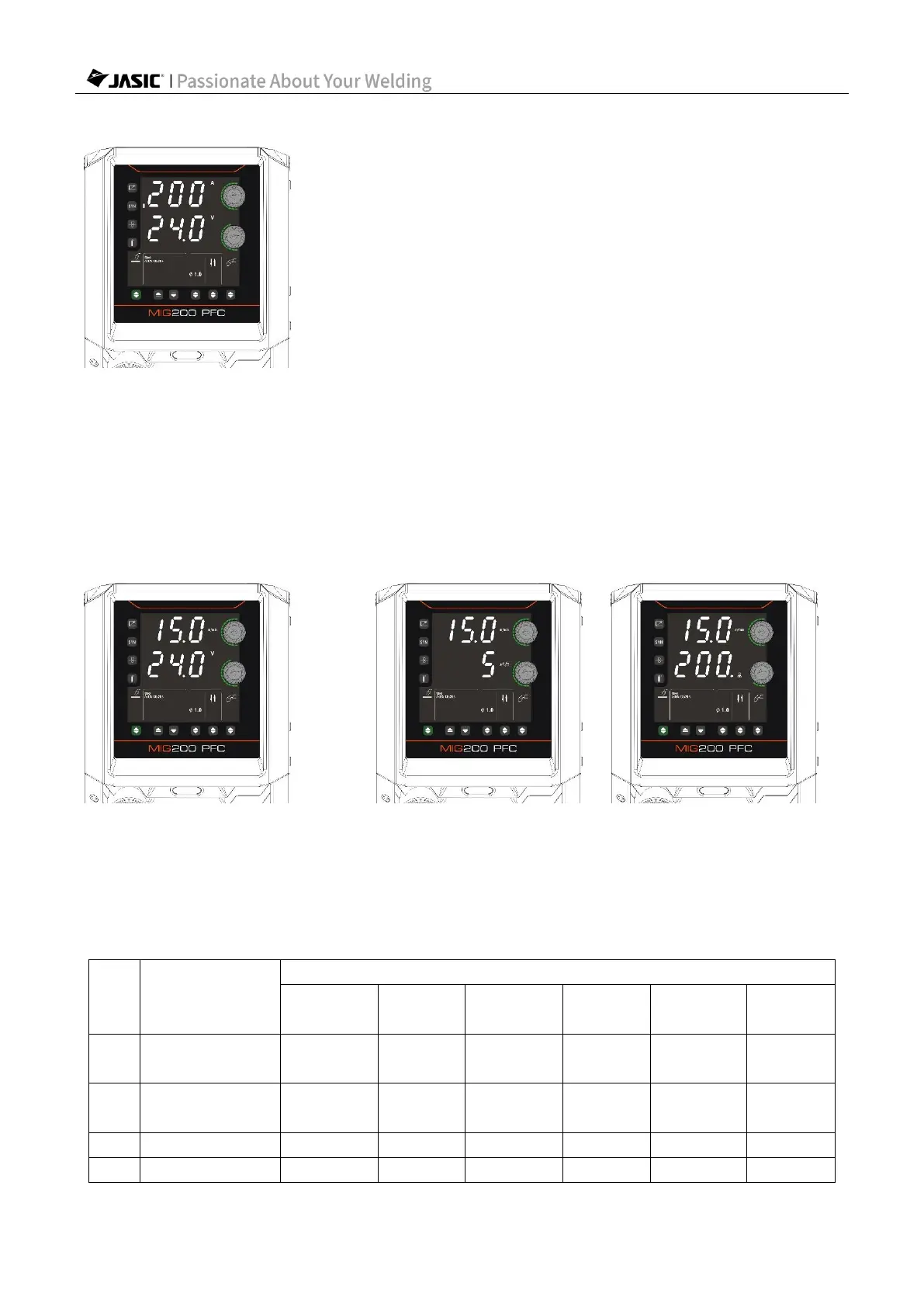
7.1.2 Select MIG mode
(MIG mode: Synergic enabled)
1) Press the "Welding Mode Selection" key to select MIG mode.
2) Use the corresponding function switching key to select the welding type, wire diameter,
operation method and welding torch type.
3) Enable/disable the "Synergic" function.
4) Use "Parameter Adjustment Knob A/B" to set the welding parameters.
7.1.3 Set welding parameters with "Synergic" disabled
(Setting wire feed speed and voltage) (Setting inductance) (Setting burn back)
1) Use "Parameter Adjustment Knob A" to set the "Wire Feed Speed".
2) Use "Parameter Adjustment Knob B" to set the "Welding Voltage".
3) Press "Parameter Adjustment Knob B" to switch display of "Welding Voltage", "Welding
Inductance", and "Burn Back Time" and set the parameter values.
4) The parameters that can be set on the panel and their ranges are as follows:



 To Next Page