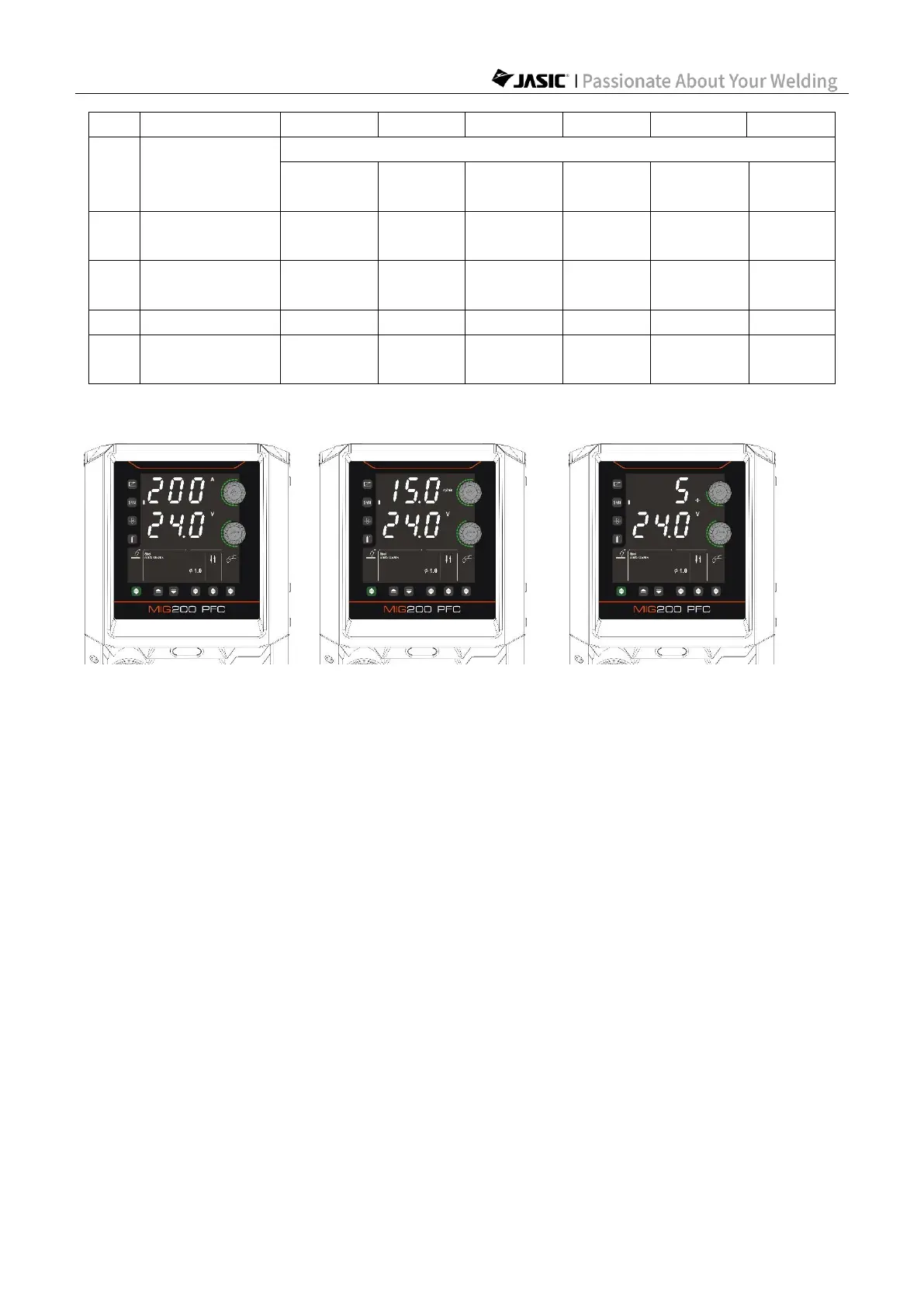
7.1.4 Set welding parameters with Synergic enabled
(Setting welding current) (Setting wire feed speed) (Setting plate thickness)
1) Press "Parameter Adjustment Knob A" to switch display of "Welding Current", "Wire Feed
Speed", and "Plate Thickness" and set the parameter values.
2) The welder automatically matches the other welding parameters according to the built-in
Synergic expert library to achieve good welding results.
3) Press "Parameter Adjustment Knob B" to switch display of "Welding Voltage", "Welding
Inductance", and "Burn Back Time" and adjust the parameter values.



 To Next Page