Page 26
d. Selection of MIG welding wire type and gas
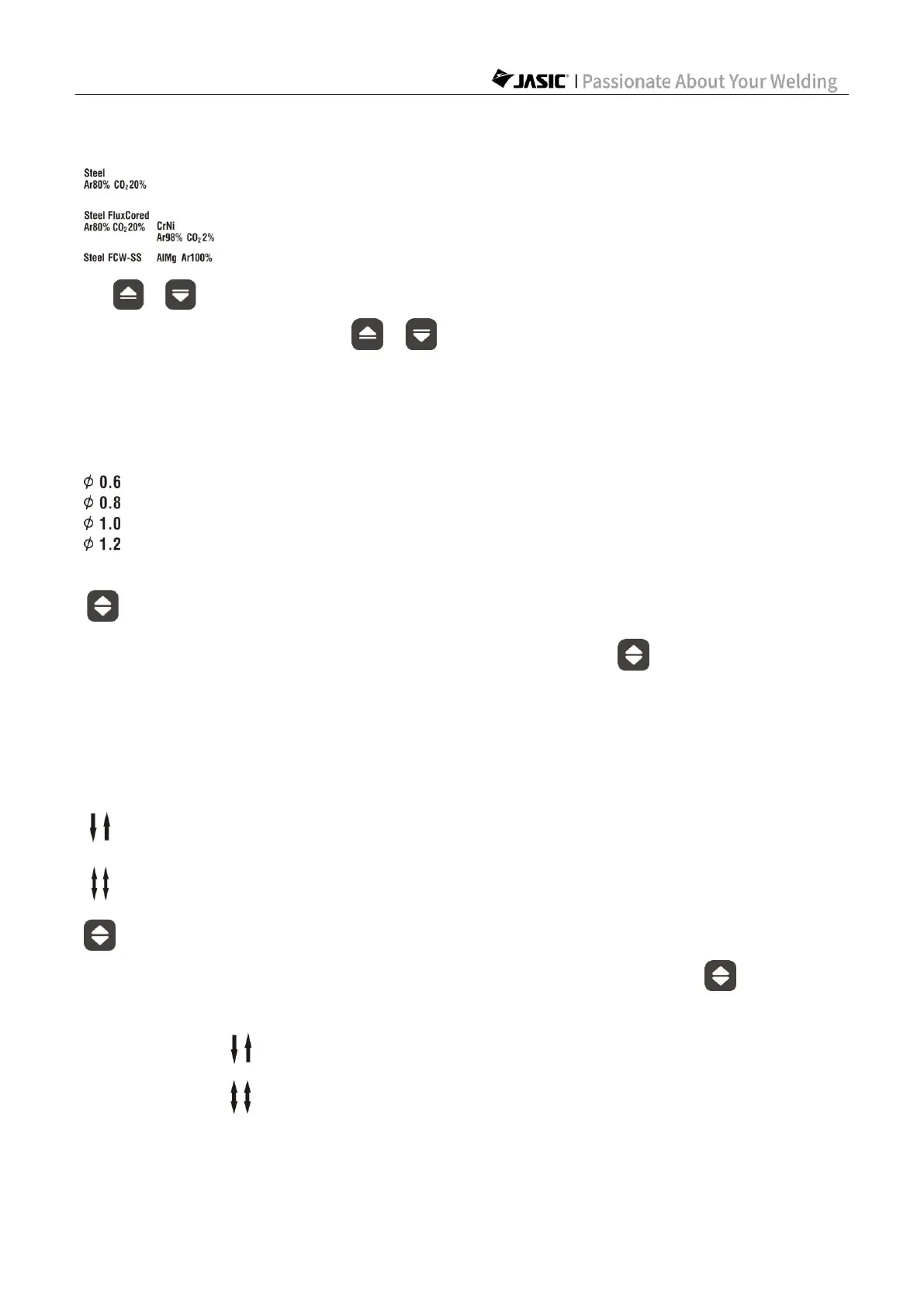
1) In MIG mode, press the keys to select the welding wire type and gas.
2) If the corresponding indicator is on, it indicates that the welding wire type and gas has been
selected.
e. Selection of MIG welding wire diameter
1) In MIG mode, press the corresponding function switching key to select an optional
welding wire diameter for the welding type.
2) If the corresponding welding wire diameter indicator is on, it indicates that the welding wire
diameter has been selected.
f. Selection of 2T/4T operating mode
1) In MIG or Lift TIG mode, press the corresponding function switching key to select 2T
or 4T operating mode.
2) If the indicator is on, it indicates that the machine is in 2T operating mode.
3) If the indicator is on, it indicates that the machine is in 4T operating mode.



 To Next Page