Page 38
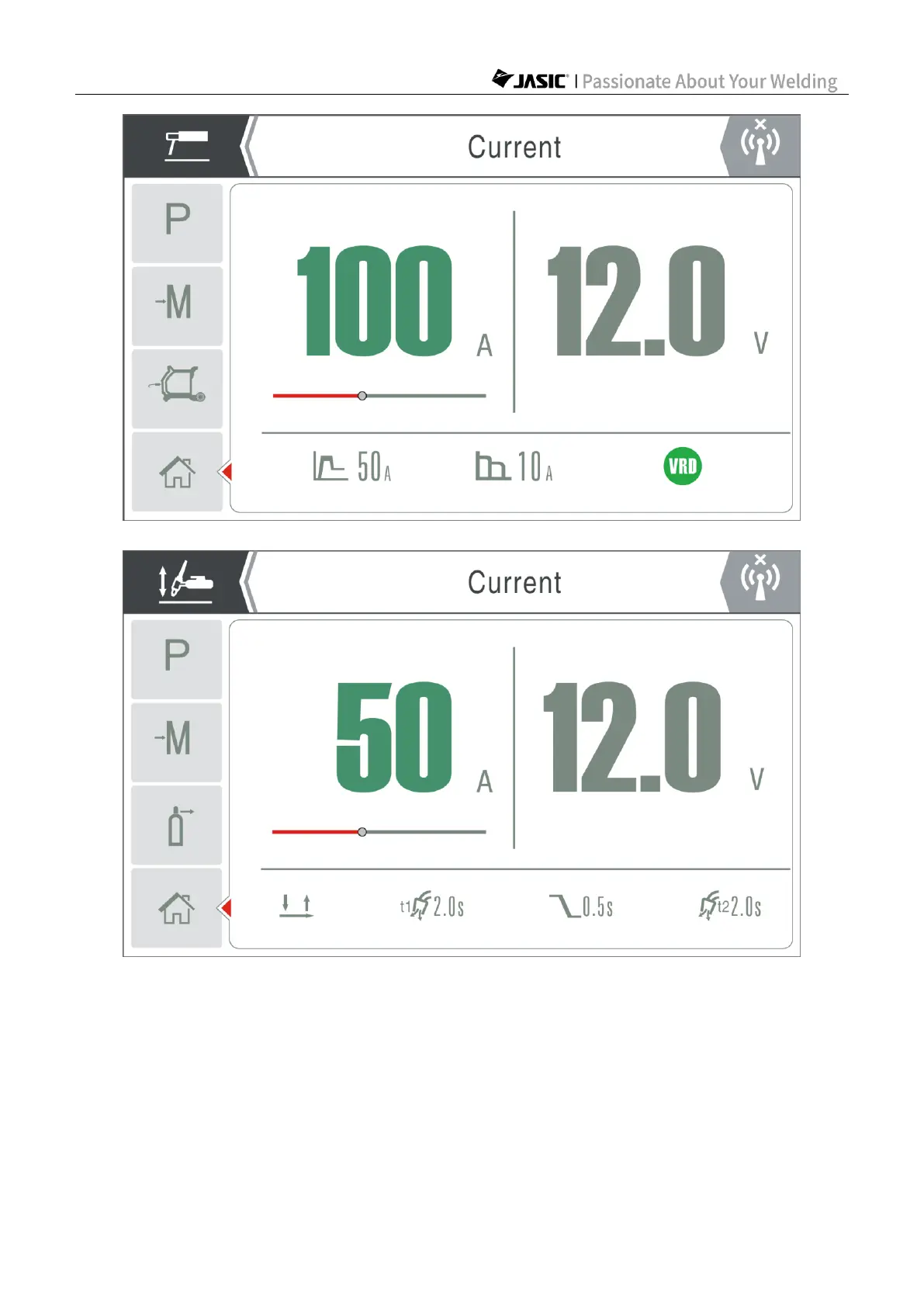
MMA page
Lift-TIG page
When not welding, the working page displays the preset welding parameters; when welding,
it displays the actual current and voltage values. During welding, the user can press the
master encoder to select parameters and rotate the encoder to set parameters, and then the
screen will enter the corresponding page and display the parameters according to your
selection; if there is no operation within 3s, the welder will automatically return to the welding
working page and continue to display the real-time current and voltage values.
After welding, the working page will display the average current and voltage of the welding for
4s for user's reference.



 To Next Page