Page 42
Note: Due to the limited area of the LCD screen, only the most commonly used welding
parameters are displayed.
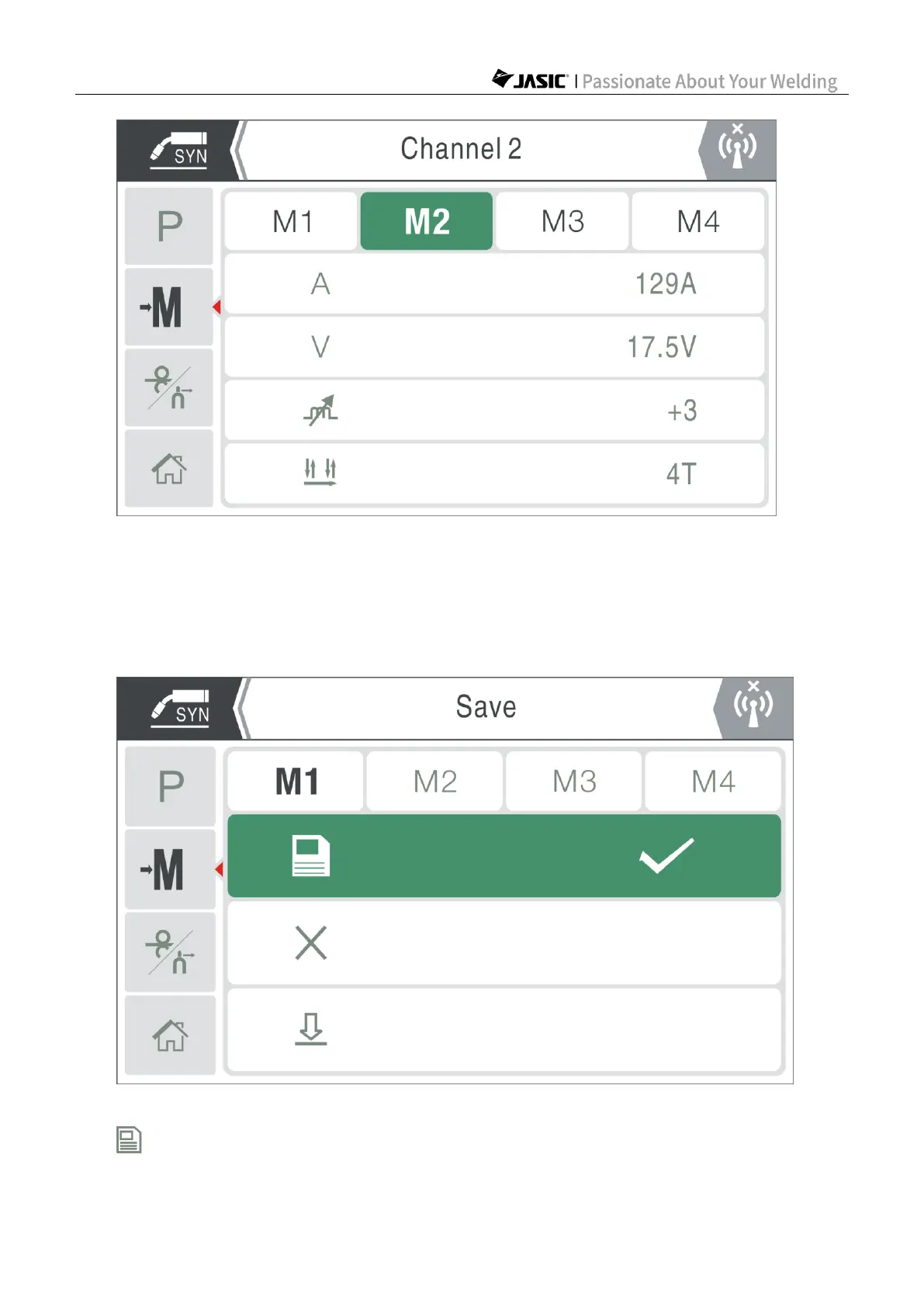
At this time, you can save the set welding parameters to the channel, or call/delete the
existing welding parameters in the channel. Press the master encoder to perform
save/read/delete operation of the current channel, as shown in the following figure:
1) Save: Save the welding parameters currently used to the channel.



 To Next Page