Page 44
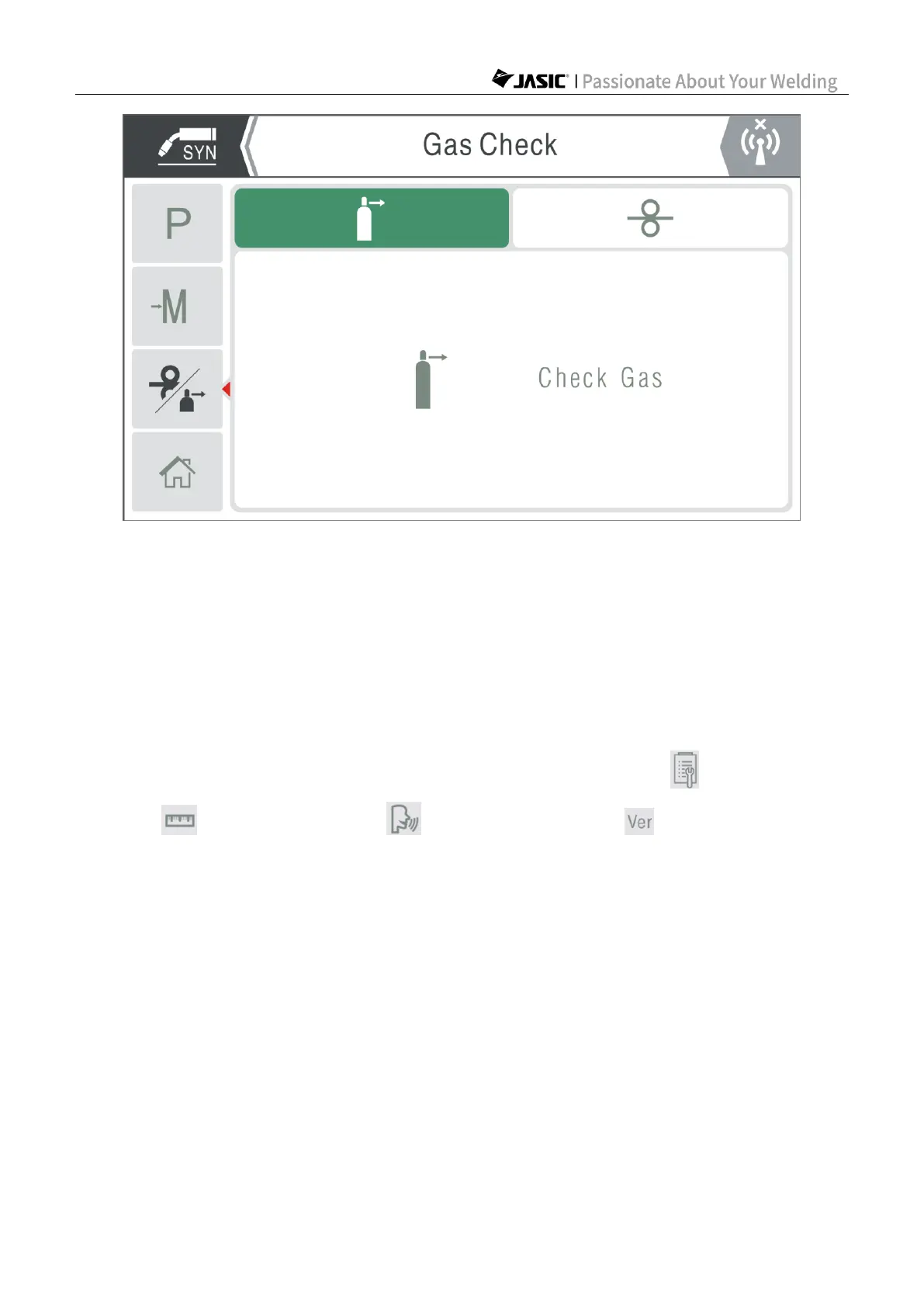
Gas check
Note:
1) To use "Inching" function, the master encoder shall be pressed and held; if the encoder is
released, the inching function will stop.
2) To use "Gas Check" function, press the master encoder once to start gas check, and press
it again to stop gas check; or the gas check function will automatically stop after 20s, to avoid
gas waste.
6.2.8 Settings
The "Settings" page is as shown in the following figure, which includes "User Parameter
Setting", "Unit System Setting", "Language Setting" and "Software Version
Information".
1. User Parameter Setting
For general parameters or options, please refer to the user parameter table of HD digital
screen in Section 6.1.4.



 To Next Page