Page 53
7.1.2 Select MIG mode
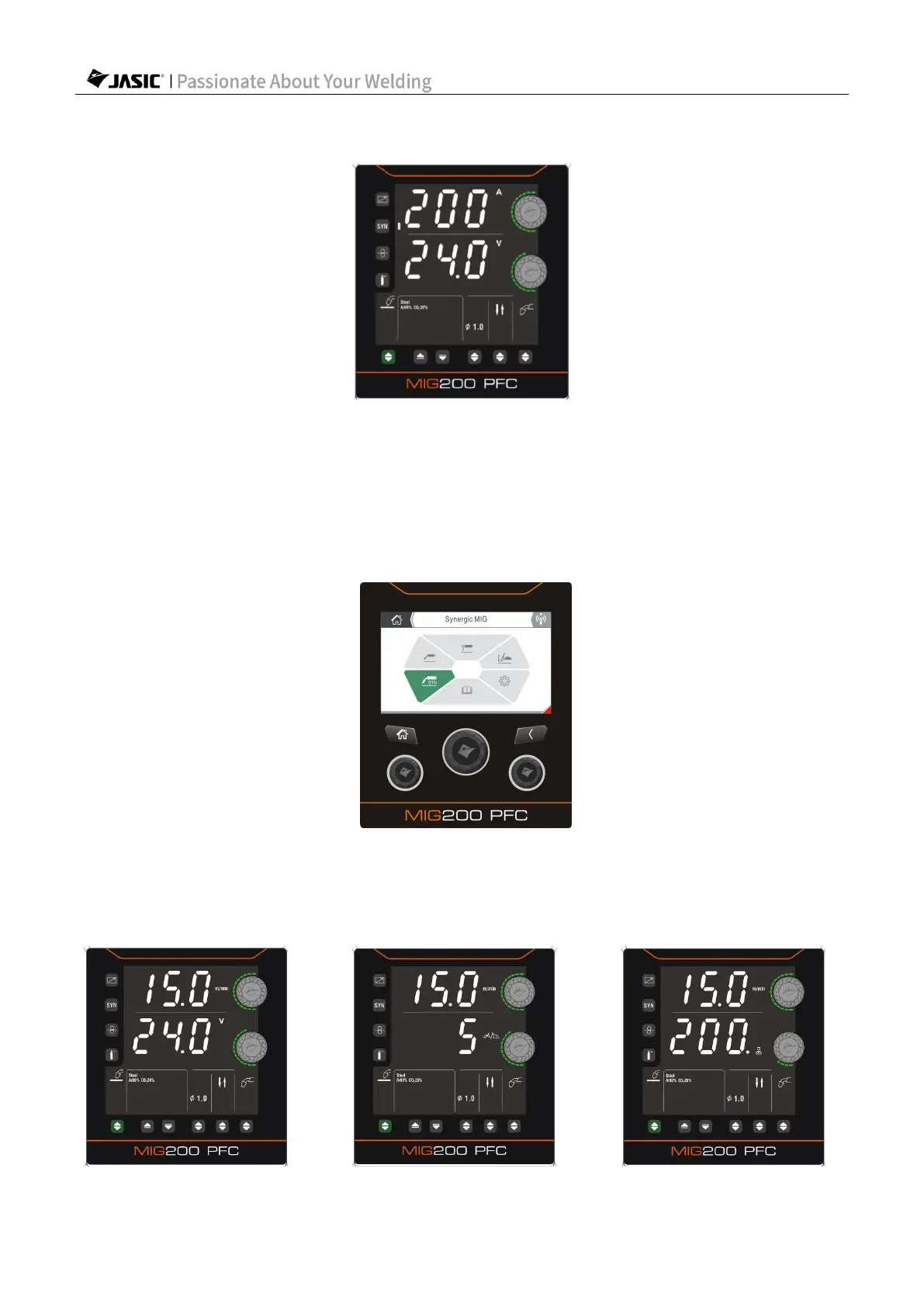
HD digital screen:
1) Press the "Welding Mode Selection" key to select MIG mode.
2) Use the corresponding function switching key to select the welding type, wire diameter,
operation method and welding torch type.
3) Enable/disable the "Synergic" function.
4) Use "Parameter Adjustment Knob A/B" to set the welding parameters.
LCD screen:
Select MIG or SynMIG on the Home page.
7.1.3 Set welding parameters with "Synergic" disabled
HD digital screen:



 To Next Page