Page 58
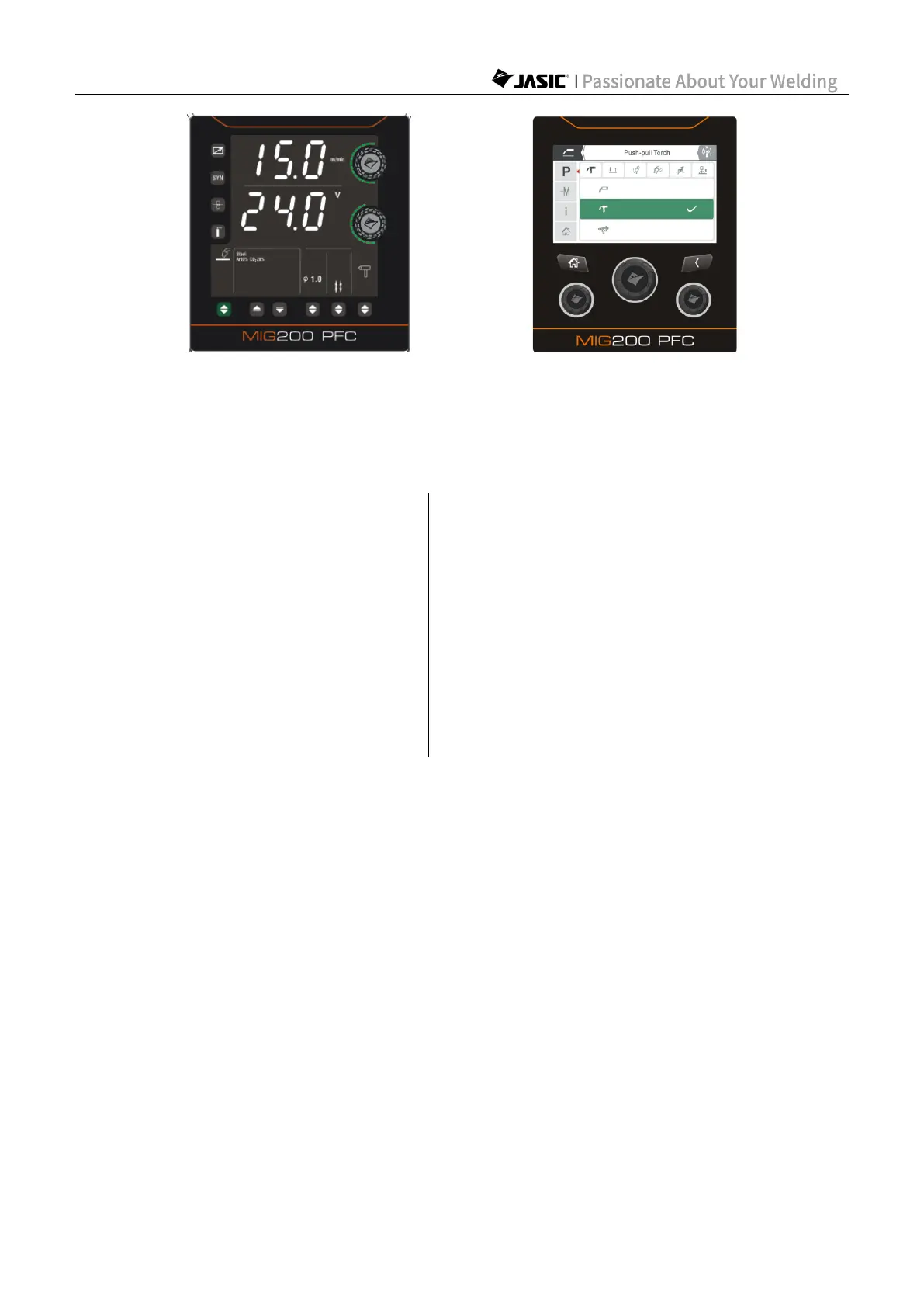
(Select spool torch on HD digital screen) (Select spool torch on LCD screen)
The welder can select push-pull torch in both "Non-synergic" and "Synergic" MIG modes.
7.1.6 Start welding
Description of MIG 2T/4T operation
Step 1: Press the torch trigger to
start welding.
Step 1: Press the torch trigger for the first
time to start welding.
Step 2: Release the torch trigger to
stop welding.
Step 2: Release the torch trigger for the first
time to continue welding.
Step 3: Press the torch trigger for the
second time to resume welding.
Step 4: Release the torch trigger for the
second time to stop welding.



 To Next Page