69
- The slideout system is equipped with a manual override that allows you
to extend or retract the room in the event of a loss of power.
Make sure the slideout system is turned on.
Battery is fully charged and connected.
Transit bars have been removed (if so equipped).
1. Turn the Main Power OFF. The override will not work if it has power going to it.
2. Locate the slideout controller. There are two versions of the controller.
, unplug the 6 pin wiring harness from the controller.
, remove one of the motor leads, either the motor I or motor II lead from the
controller.
3. Locate the slideout motor (Fig. 1) mounted to one of the slideout rails. Some models
may require removal of the underbelly or cover to access the motor. In a bedroom
slideout, it may be located under the bed.
4. Rotate the brake lever, on the backside of the motor, counter-clockwise (looking from
the rear of the motor) about 1/8 of a turn to the released position (Fig. 2). This will
release the brake that holds the room in place.
5. Locate the manual override for the slideout system (Fig. 1).
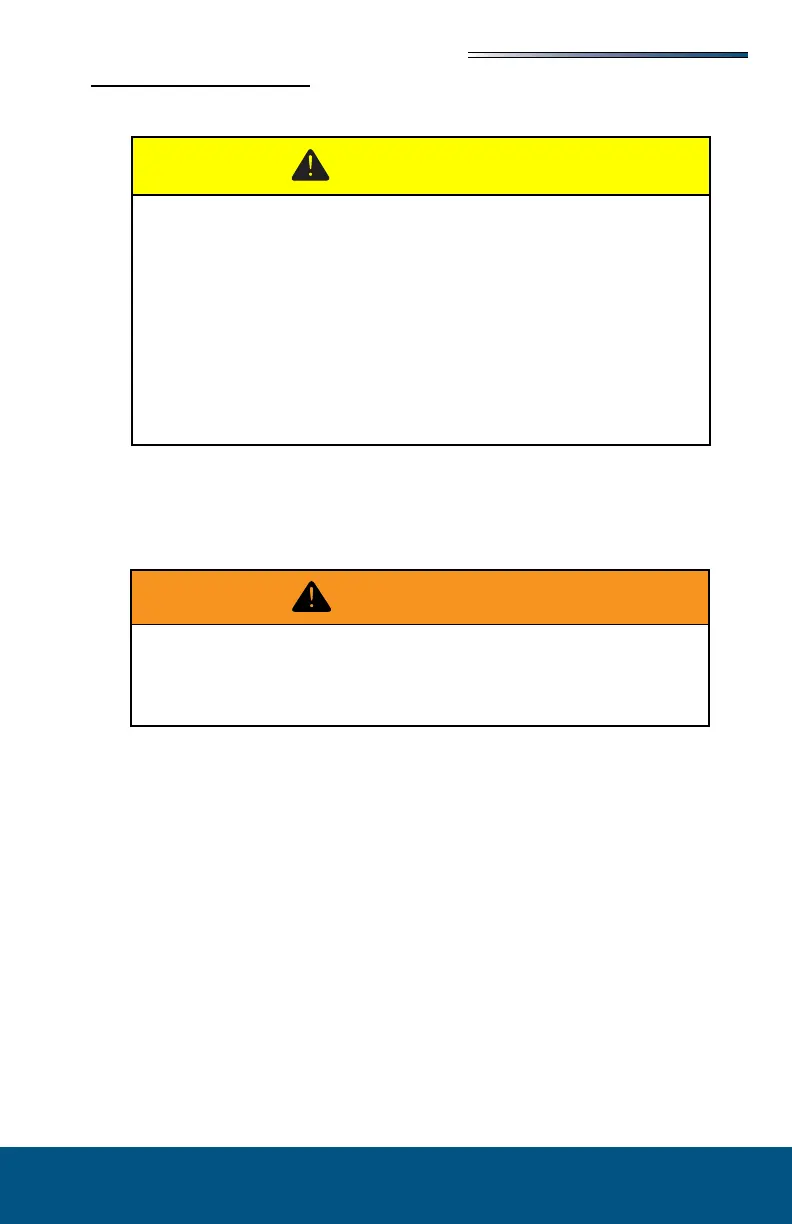
Always disconnect battery from system prior to manually operating
system. Failure to disconnect battery can cause electricity to back feed
through the motor and cause serious damage to the system as well as void
the warranty
Use EXTREME CAUTION when extending/retracting the room using
the manual override feature. The gears can be stripped out if the room
is manually retracted/extended to its fullest extent and the operator
continues to rotate manual override. Damage can also occur to the slide
components, slide room structure or trim components. Damages due to
misuse of the manual override feature will void any and all claims to the
Limited Warranty.
When the motor brake is disengaged the slideout room WILL NOT lock into
place and will not be sealed. When the room has been manually retracted, be
sure to install transit bars (if so equipped) and return the motor brake lever to
its normal engaged position in order to seal and lock the room into position.





 To Next Page