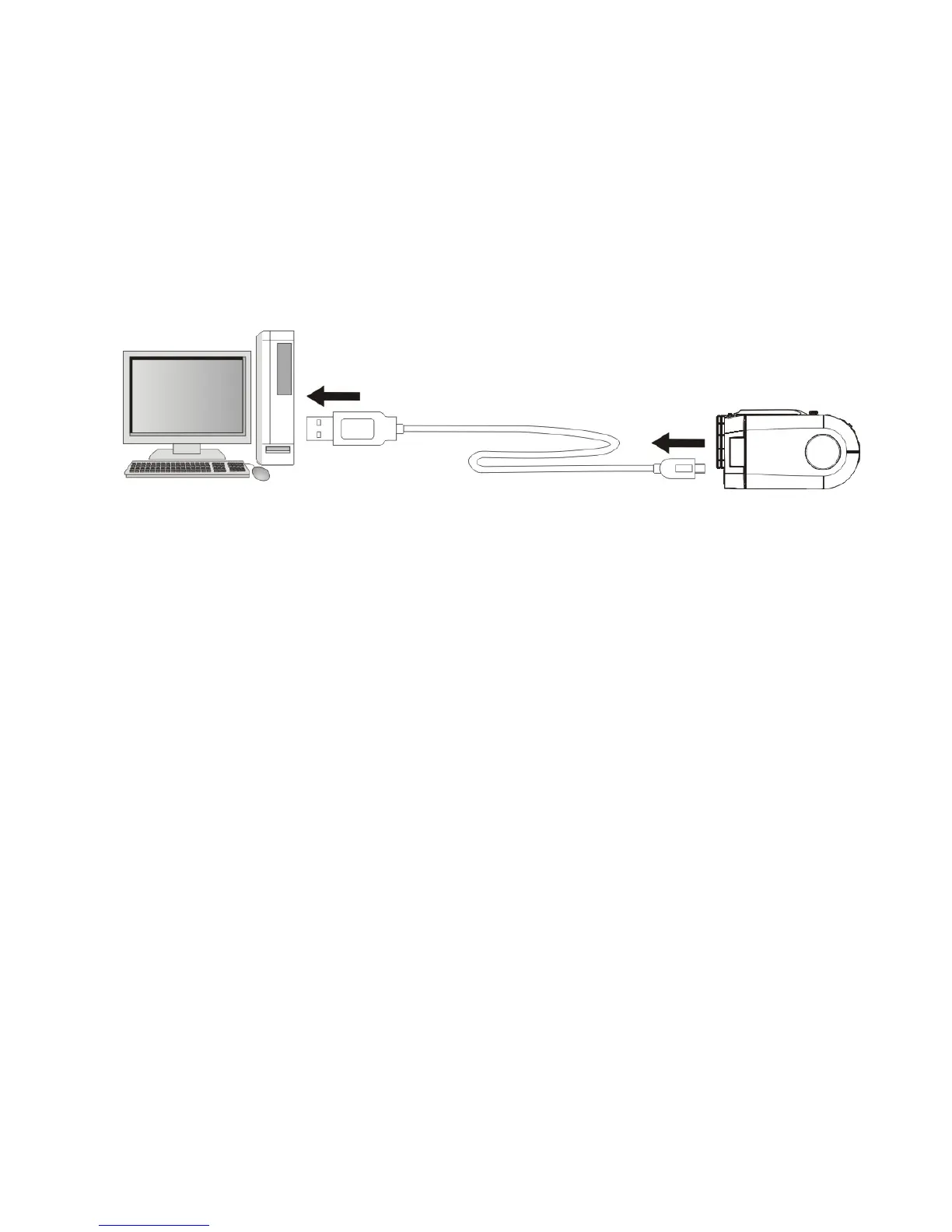
Note: The recorder has two USB modes; MSDC (default, when power ON)
and PCCAM (when selected from Internal Setting Menu)
- The default MSDC (Mass Storage / Removable Disc) is used for playback
and downloading video, pictures into the computer.
- The PCCAM (PC camera / webcam) can be used for transferring live
images, scenes into the computer.
3. Download video, picture files to the computer:
- Power ON recorder and connect to the computer using USB cable.
- Select and open “My Computer” on the computer screen.
- Scroll down and open the “Removable Disc” which represents your recorder in
Mass Storage mode.
- Open selected “Removable Disc” then select DCIM / 100MEDIA folder.
- Open 100MEDIA folder to see all captured images / video files.



 To Next Page