- You can click to play / review selected records and / or store valuable records
inside computer’s memory.
- Copy or drag files into the folder where you wish to save your records.
MediaImpression Installation
You may install MediaImpression software into your computer from installation CD.
This program will allow you to import / store all, or selected records from your camera
(when connected) to your computer.
Also MediaImpression will give you easy access to YouTube and other popular websites.
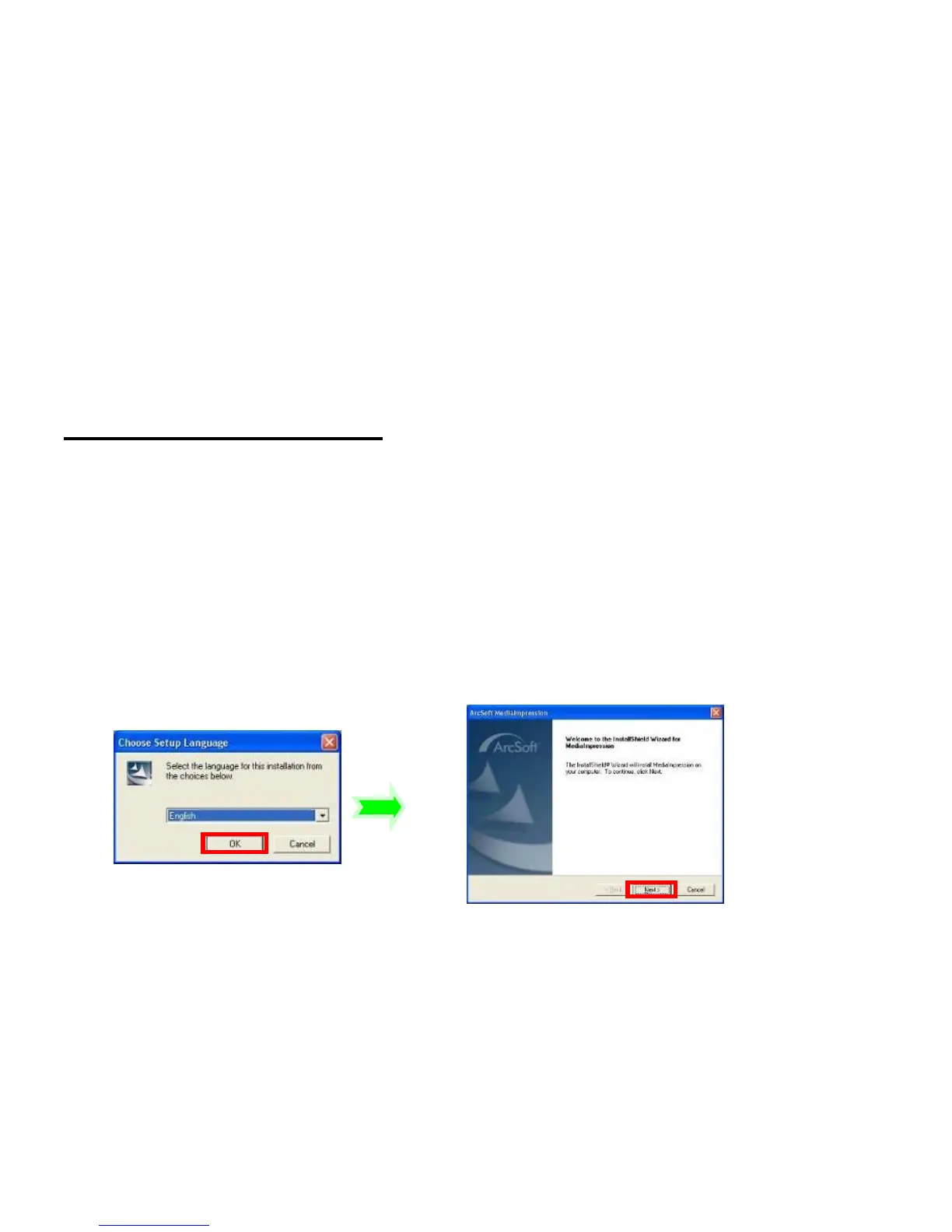
Software installation
Click “Install MediaImpression” button and complete the installation according to the
following steps



 To Next Page