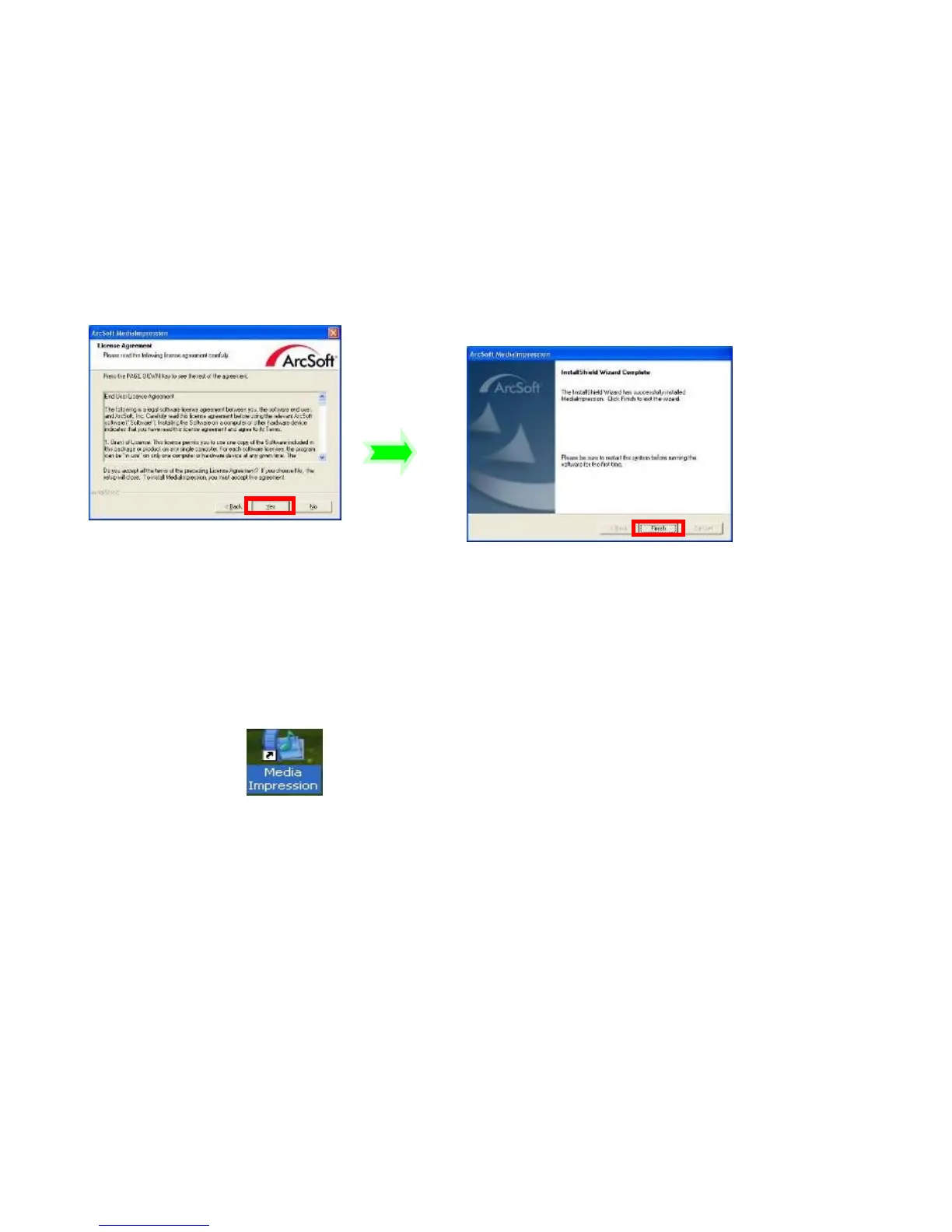
Please restart the computer when prompted to complete the installation, computer will
install MediaImpression shortcut / icon on the Desktop.
Using MediaImpression
The MediaImpression program will also provide “one button” access to the YouTube
website: - post your video and share with millions of Internet users!
Double click the icon on the desktop or follow “Start →
Programs” to open MediaImpression
After starting MediaImpression, click “Import” to import the media.



 To Next Page