21
VGA (640 x 480 pixels) Resolution.
5
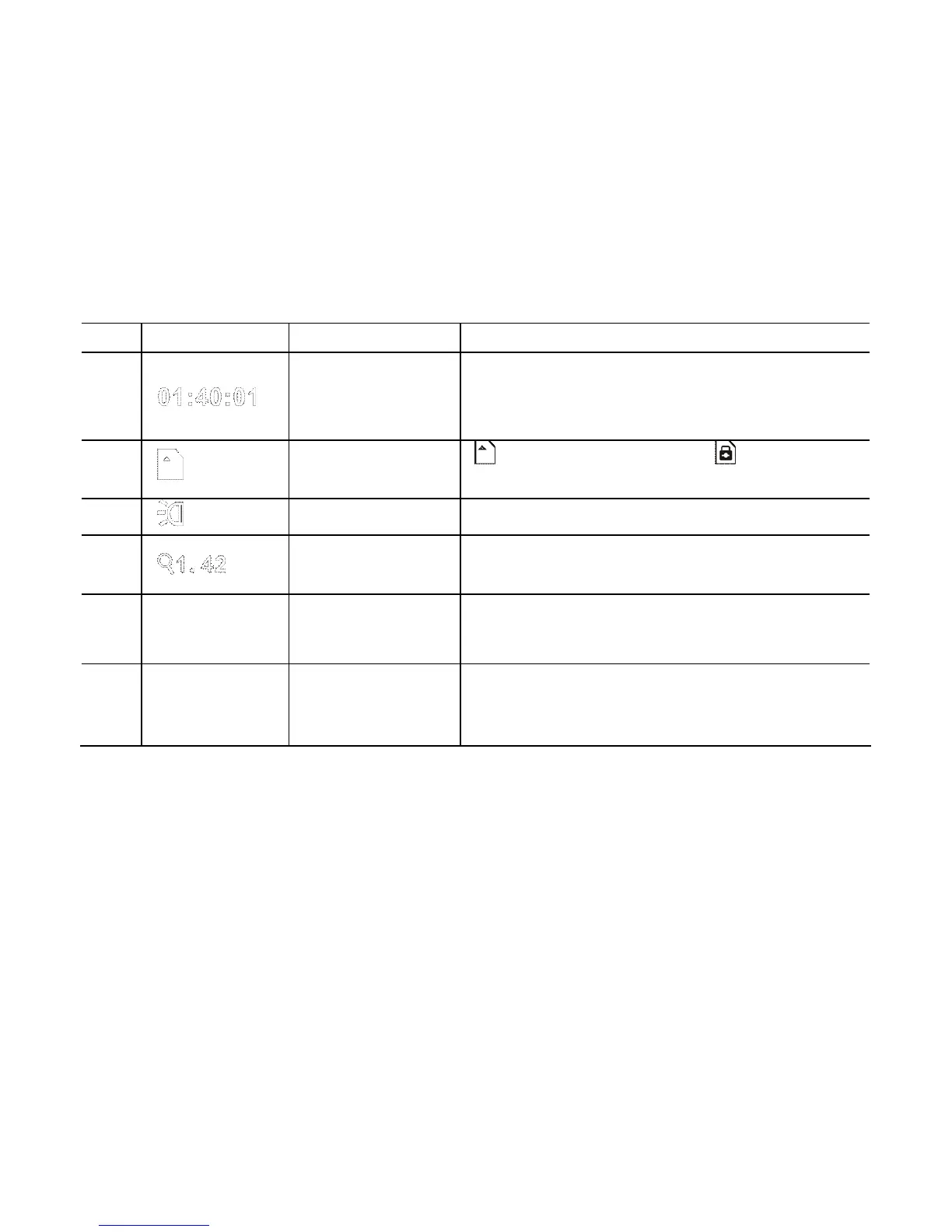
Recording
Time
Indicates the remaining recording time
when recording is not activated and the
elapsed recording time during recording
6 SD Card
SD Card is installed SD Card is
Write-Protection LOCK-ed.
7 Flash
LED Flash Support Light is ON.
8
Zooming
Indication
Indicates the Digital Zoom current
magnification
9
(PAUSE/
(REC
Pause/Continue
Record prompt
Battery status
Indicates the current status of battery
power; when displayed in red, it indicates
depleted batteries. Video recorder will
auto shut down; re-install new batteries.



 To Next Page