Need help?
Do you have a question about the JBL Authentics L16 and is the answer not in the manual?
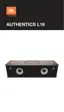
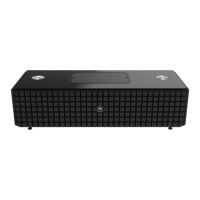
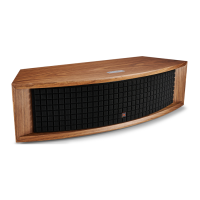
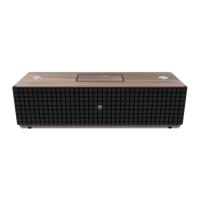
Details the JBL Authentics L16's features and lists the package contents.
Explains the power button, volume tuner, and source button on the system's top panel.
Details bottom panel controls, USB ports for charging/communication, and grounding terminal.
Guidance on positioning the system and connecting it to the power source.
Overview of methods for connecting the JBL Authentics L16 to a Wi-Fi network.
Instructions for connecting the system to a home network using WPS-PBC and WPS-PIN modes.
Steps for connecting iOS devices to the system via Wi-Fi wirelessly.
Method to connect iOS devices to the system via Wi-Fi using a cable.
Procedure for connecting Android, Mac, or PC devices to the Wi-Fi network.
Covers turning the system on/off, adjusting volume, muting, and switching audio sources.
Guidance on wirelessly streaming audio via Bluetooth and using NFC for auto-pairing.
Instructions for operating via DLNA, AirPlay, Aux, Phono/RCA, and Digital Optical inputs.
Accessing system settings via web page and charging devices using the Qi module.
Details on using the JBL Music app for system control and checking for updates.
Procedures for upgrading system firmware and restoring factory default settings.
A table explaining the meaning of various LED indications on the JBL Authentics L16.
Provides solutions for common problems encountered with the JBL Authentics L16 system.
Detailed technical specifications for the JBL Authentics L16 system.
 General
| Brand | JBL |
|---|---|
| Model | Authentics L16 |
| Category | Stereo System |
| Language | English |

 To Next Page