7 - 2
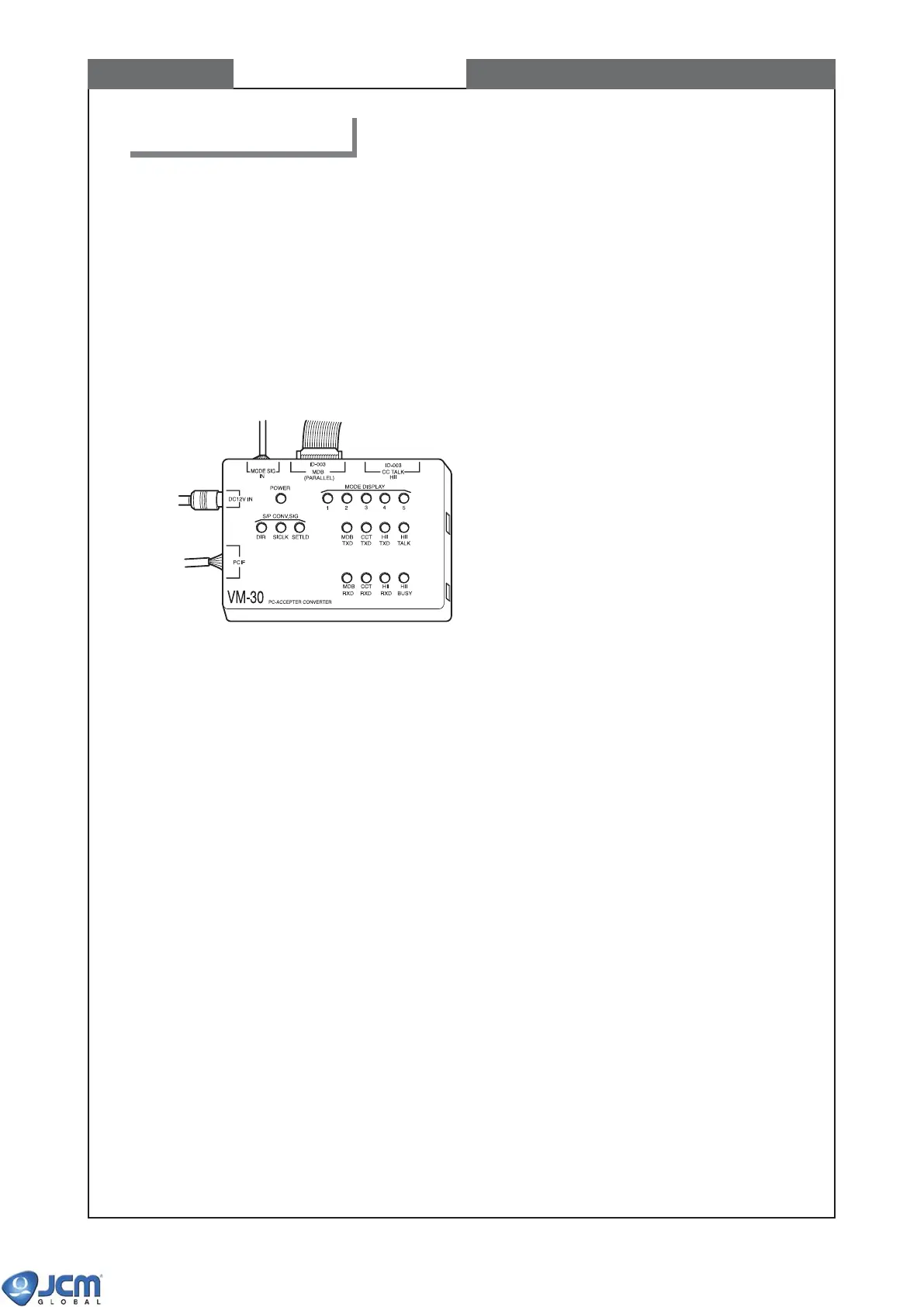
VM-30 is the I/F Test Bench and AC/DC converter for the EBA-3x series.
WHEN TO USE VM-30
- Calibration
- Downloading software to flash memory
- Writing Serial Number to EEPROM (ID-0E3 only)
- Diagnostics
- Whenever connection of EBA with PC is necessary
VM-30 Part Names and Functions
1-1 Connectors (total 5 connectors)
(1) PCIF
For connection with PC
The VM30 needs to be connected with PC in case of calibration, program download, and operation
with I/F simulators for PC.
(2) DC12V IN
For connection with AC adapter
(3) MODE SIG IN
For connection with the external display connector on the side of EBA-30 unit (see Chapter 1 page
1-4)
Use this connector for Diagnostics.
(4) ID-003 / MDB / (PARALLEL)
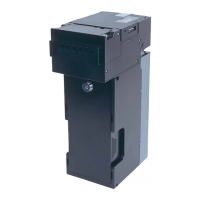
For connection with EBA-30/31/34/35 unit.
(5) ID-003 / ccTalk / HII
For connection with EBA-32/33 unit.
1-2 Switches (total 6 switches)
(1) MDB RXD
(2) CCT RXD
(3) HII RXD
(4) HII BUSY
These 4 switches should be used only in case of “Acceptor I/F Output Test” and “Acceptor
I/F Input Test” during test mode. Do not use these switches in other cases.
1. VM-30 Descriptions
CHAPTER 7 VM-30 Descriptions
Dip switch
Reset switch



 To Next Page