7 - 5
B] When using E30A-xxx.exe on Windows98/2000/ME/XP
1) Start Windows98/2000/Me/XP.
2) Copy the E30A-xxx.exe to your PC.
3) Double-click the E30A-xxx.exe to start the calibration.
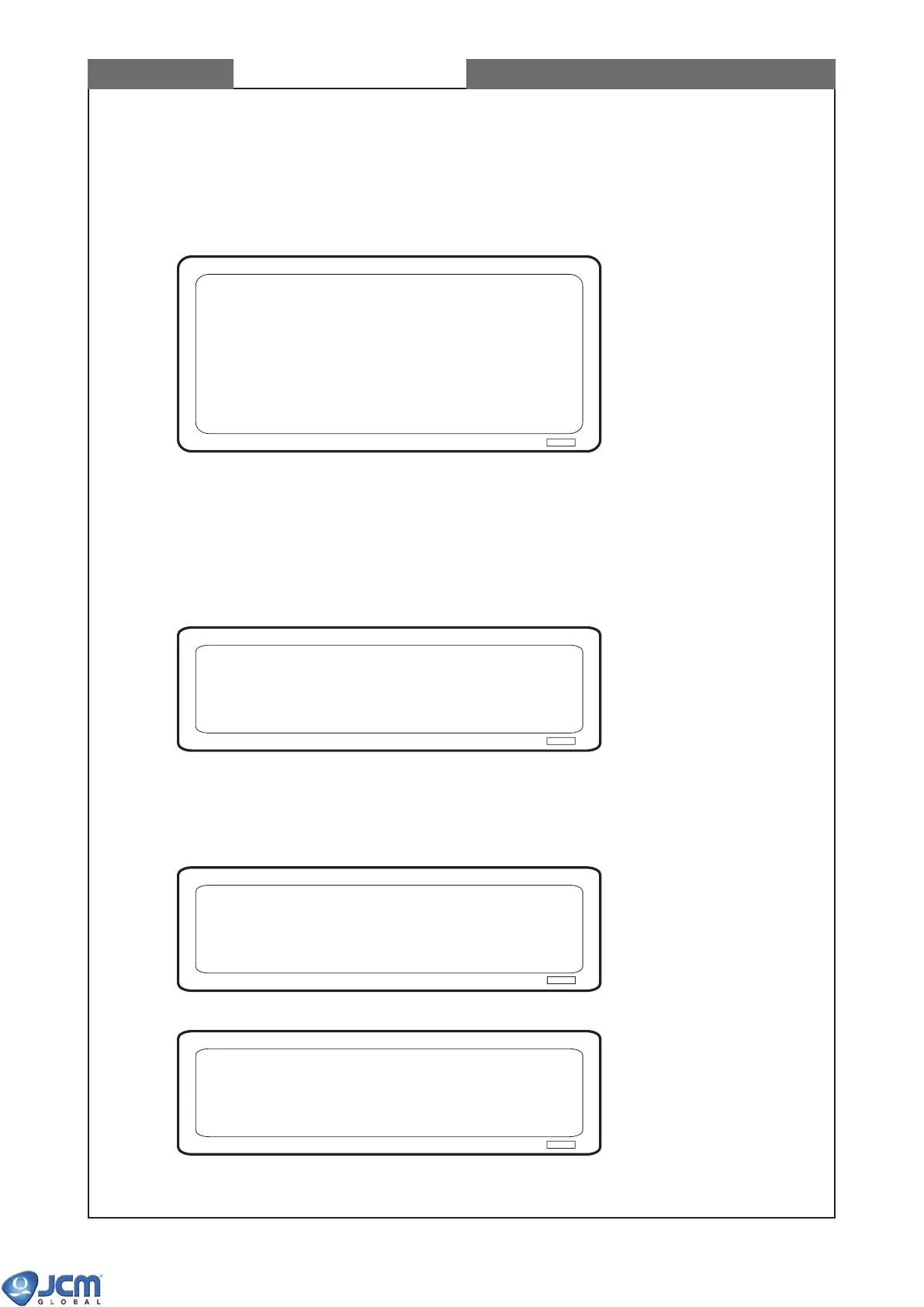
Fig-2
(4) When the Fig-2 appears on the screen, set the VM-30 DIP switches in accordance with the commu-
nication interface (see Fig-1 on page 7-3).
(5) Set the switch #1 of DIP Switch 1 (of EBA) ON
(6) Turn on the power of VM-30. Power indication LED of VM-30 turns on.
(7) Press [Enter]. The following screen appears.
Fig-3
To start calibration, press [Enter]. To exit the program, press [Esc].
(8) The program starts erasing the EEPROM (NV memory) of EBA.
Fig-4
Fig-5
(9) Press [Enter] to continue.
Start Calibration ---> Press ENTER
Exit ---> Press ESC
Erasing EEPROM......
Erasing EEPROM...... ---> Erasing Complete!
Press ENTER
*****************************
EBA-3x Calibration Software
Ver. 1.05
2003/06/12
JAPAN CASH MACHINE CO., LTD.
*****************************
Press ENTER
CHAPTER 7 Calibration



 To Next Page