7 - 8
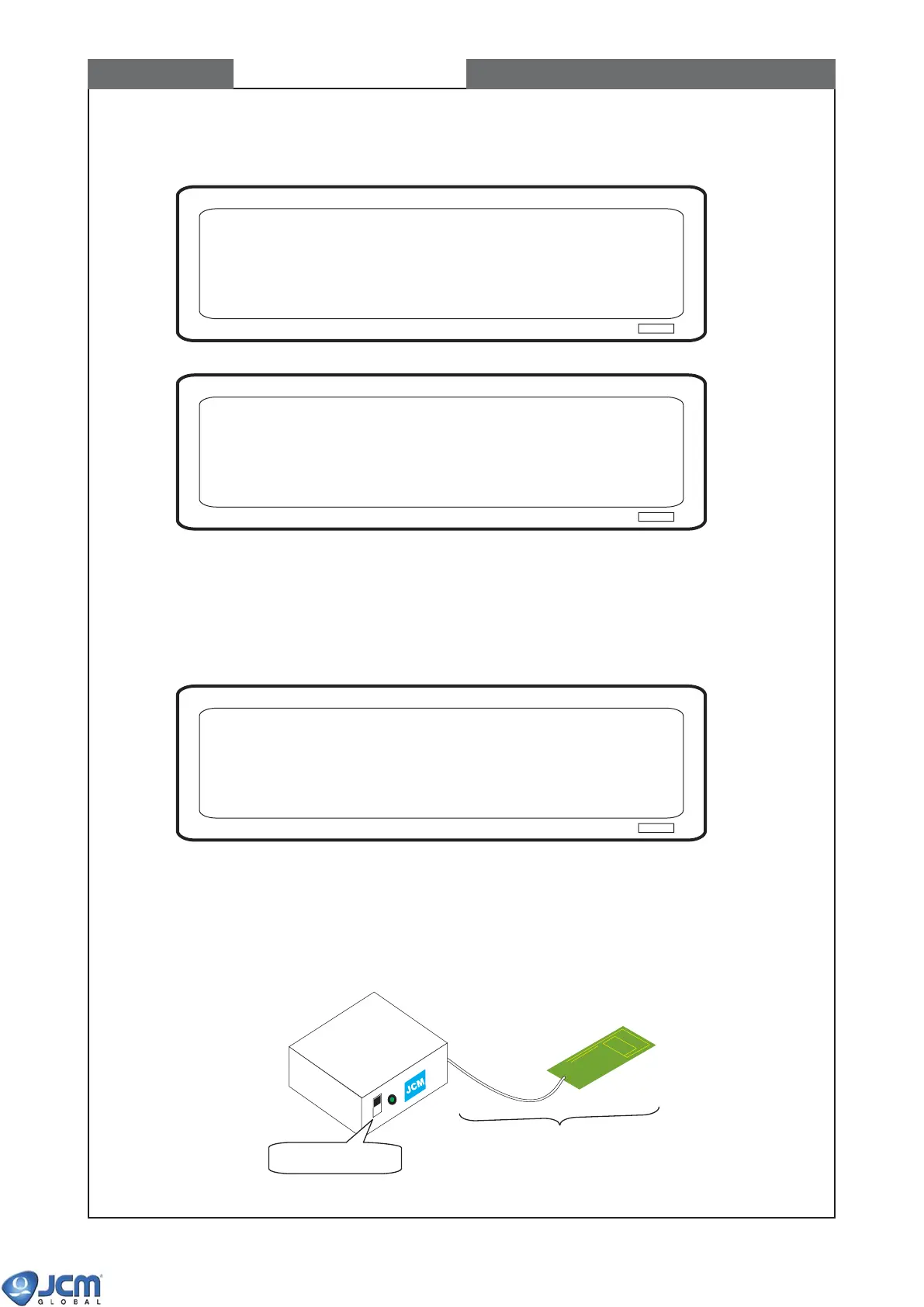
Remove the black reference paper. Press ENTER
Calbrating......
CHAPTER 7 Calibration
(5) When the Fig-15 appears, remove Black Reference Paper (KS-057), and press [Enter].
Fig-15
Fig-16
2-3 Calibrating Magnetic Sensor
When the calibration of optical sensors is complete, the Fig-17 appears. Continue with the calibration of
magnetic sensor.
(1) Prepare Mag Tool (MG-03).
(2) Turn the power of MG-03 ON.
Fig-18 Preparation
Insert the mag board. Press ENTER
Fig-17
MAG HEAD
TEST BOARD
MC-01
MG-03 (Mag Tool, Part# 058318,
including MC-01)
MC-01 (Mag-head test board
Part# 086781)
Power Switch "ON"



 To Next Page