Part No. 960-100941R_Rev. A © 2016 JCM American Corporation
TBV Transaction Based Validator JCM® Training Overview October, 2016
DIP SWITCH SETTINGS
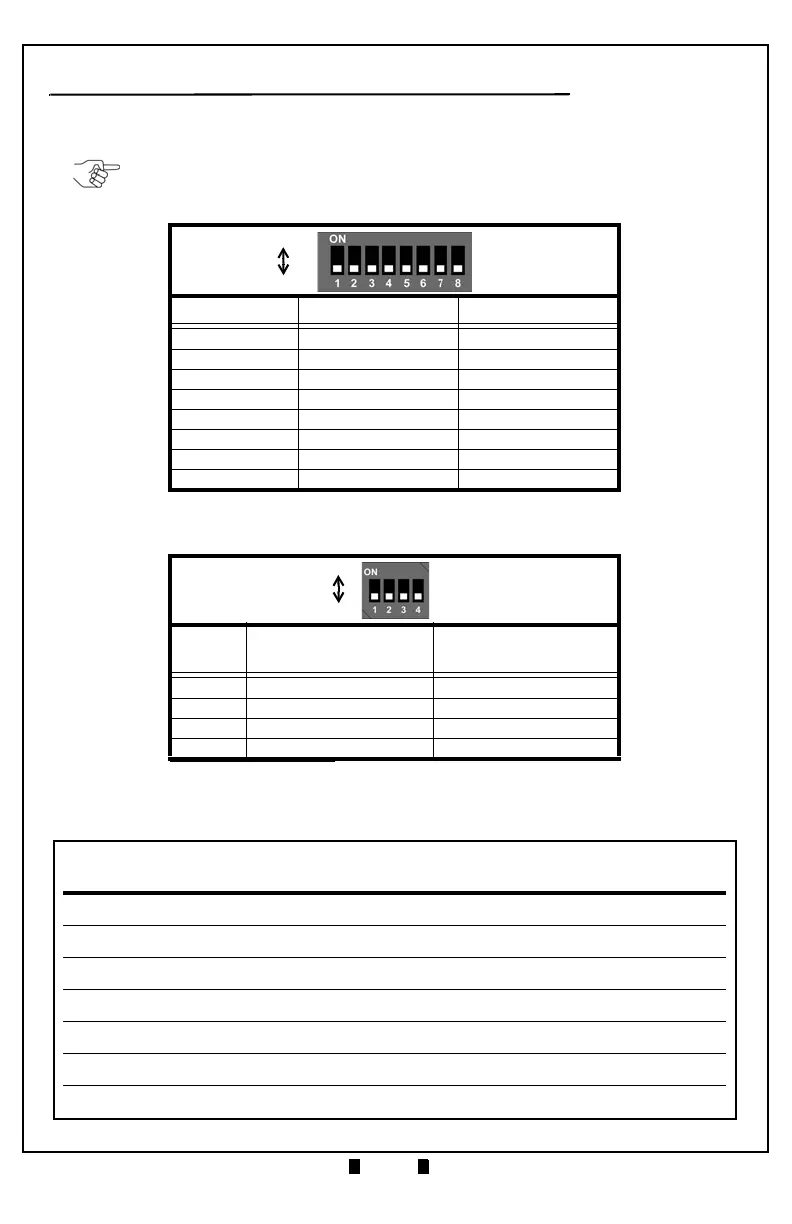
Table 2 lists the default TBV DIP Switch Configuration for DS1 on the Bulk
Note Feed (BNF) Unit, and DS3 on the Transport Unit.
Table 3 lists the BNF Unit Buzzer Volume Switch settings for DS2.
Table 2 BNF Set Vend Denomination Switch DS1/DS3 Settings
Switch No. Switch ON Switch OFF
1 VEND 1 INHIBIT VEND 1 ACCEPT
2 VEND 2 INHIBIT VEND 2 ACCEPT
3 VEND 3 INHIBIT VEND 3 ACCEPT
4 VEND 4 INHIBIT VEND 4 ACCEPT
5 VEND 5 INHIBIT VEND 5 ACCEPT
6 VEND 6 INHIBIT VEND 6 ACCEPT
7 VEND 7 INHIBIT VEND 7 ACCEPT
8 Test Mode OFF (Fixed)
Table 3 BNF Buzzer Volume Switch DS2 Settings
Switch
No.
Switch ON Switch OFF
1N/A*
* Not Applicable (N/A). Never Switched to ON.
OFF (Fixed)
2 Performance Buzzer ON Performance Buzzer OFF
3 ON Fixed N/A
4 N/A* OFF (Fixed)
NOTE: If the BNF Unit is installed, use DS1 (DS3 settings have no effect).
If the BNF Unit is NOT installed (single note configuration), use DS3.


 To Next Page
 Loading...






