9
OPERATIONCMM7720
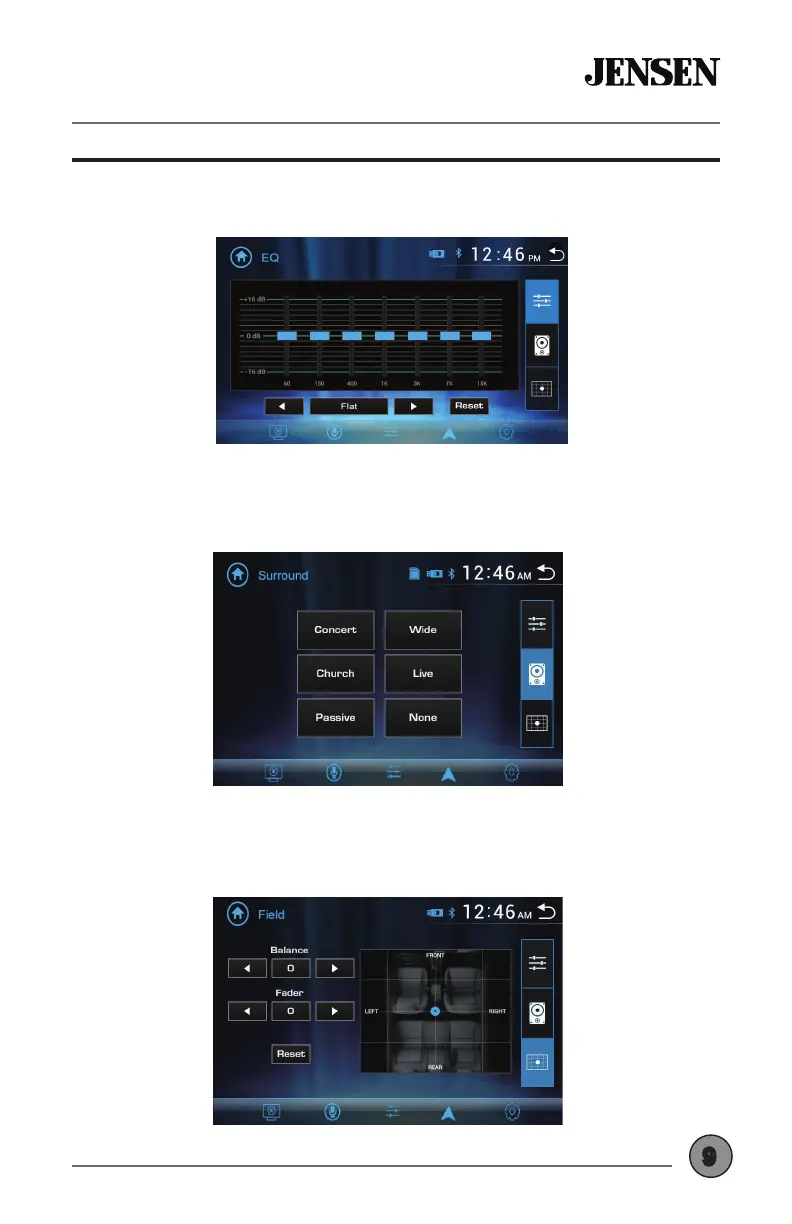
Select any of the preset EQ settings (Flat, Classic, Rock, Pop, Jazz, Beat or
User) or use the touch screen to manually adjust EQ settings.
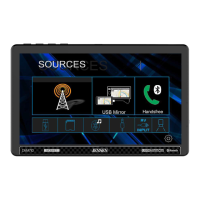
Select any of the preset Surround settings: Concert, Church, Passive,
Wide, Live or None.
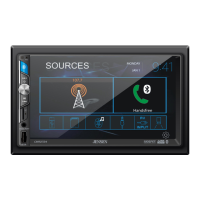
Adjust balance (8L to 8R) and fader (8F to 8R), or use the touch screen to
manually adjust balance and fader settings.
Audio Settings


 To Next Page