33
Instructions for use
Check the package contents
The package contains:
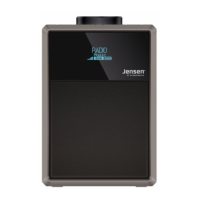
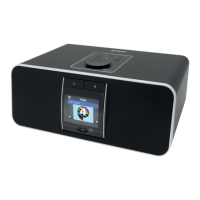
• 1 DAB+ digital/FM radio
• 1 mains adaptor
• 1 instruction manual
Where to put your radio
It is important that you consider
carefully in advance where
your radio will be situated and
make sure that it is:
*onaatandstablesurface
Note: Never place your
radio on antique or polished
surfaces�
* within 1�4 metres of a power
socket
* where you can fully extend
the telescopic aerial
* away from bright sunlight
or heat sources, such as a
radiator
* not in a humid or very damp
place such as a bathroom
Setting up
1. Connect the mains power lead
into the socket on the back of the
radio�
2. Fully extend the radio aerial in
a vertical position to obtain the
maximum signal strength�
3. Plug the power adaptor into
the mains power wall socket and
switch on� ‘Welcome to Digital
Radio’ will be displayed�
4. Press and release the ‘ ’
button on the front of the radio�
Your radio will switch on and
begin an automatic scan for DAB
radio stations� A progress bar will
show the progress of the scan
and the number of stations found
during the scan will also be
displayed�
When the scan is complete your
radiowillselecttherstavailable
station and begin to play� Stations
are listed in numerical and then
alphabetical order by default�
Note: The DAB radio station
list is stored in the memory and
so the next time you switch your
radio on, the station search does
not take place� It is possible to
scan manually for stations� Please
see page 38�



 To Next Page