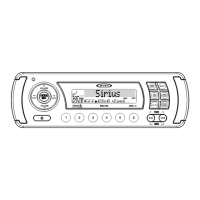
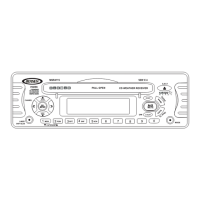
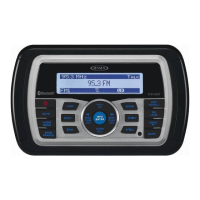
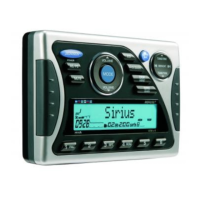
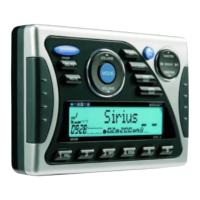
JMS2012
8
SIRIUS RADIO OPERATION
NOTE: SIRIUS is available in the US for subscribers with addresses in the continental
US and is available in Canada for subscribers with a Canadian address. Required
subscription plus compatible SIRIUS tuner and antenna are required and sold
separately. To subscribe to SIRIUS Satellite Radio on the internet, visit sirius.com, or
call 888-539-7474. Have your SIRIUS ID ready (SIRIUS ID is located on the back of the
SIRIUS tuner or by tuning to Channel 0). SIRIUS programming is subject to change. Visit
sirius.com for the most complete and up-to-date channel lineup and product
information. “SIRIUS” and the SIRIUS dog logo and related marks are trademarks of
Sirius Satellite Radio Inc. All rights reserved.
Switching to SIRIUS Mode
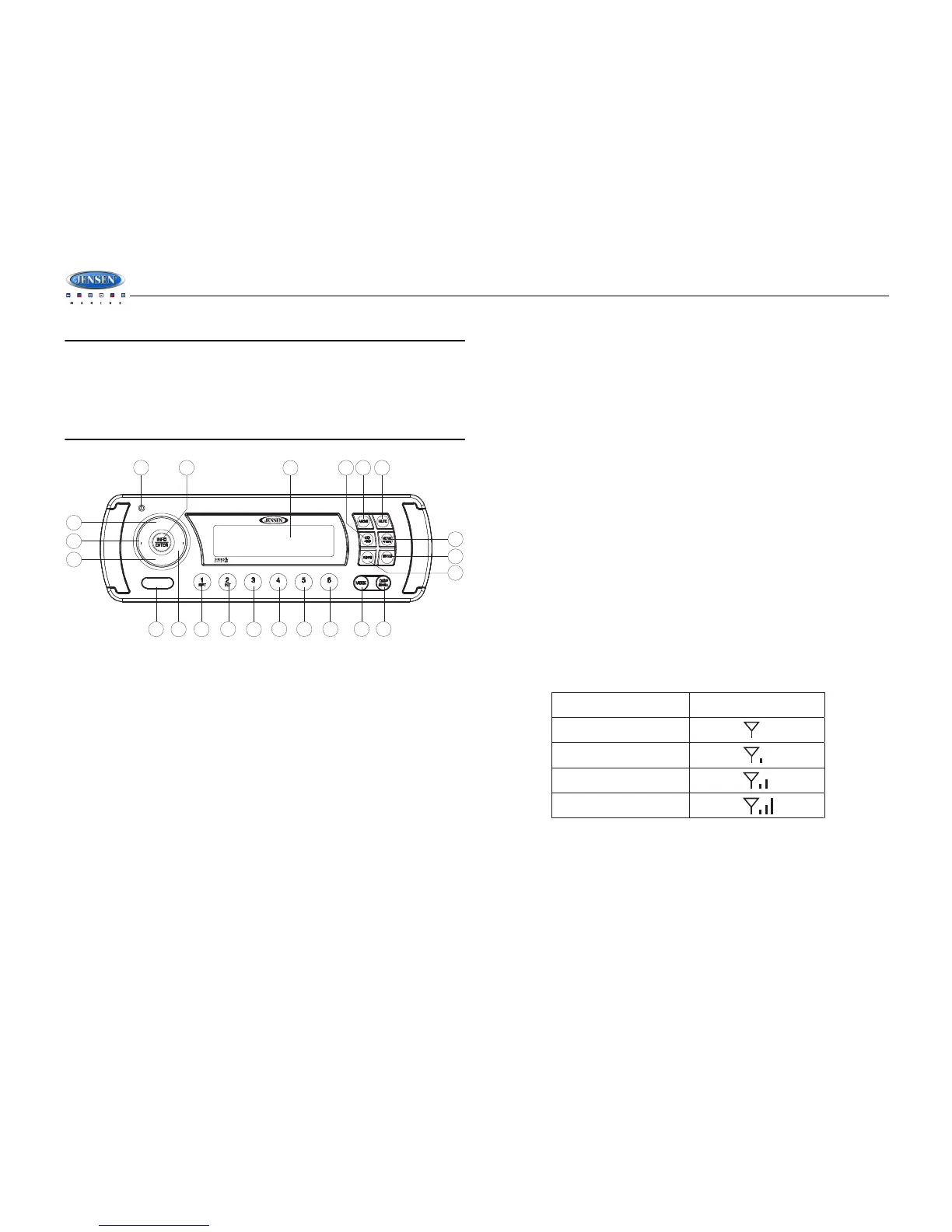
Press the MODE button (20) to change the mode to Sirius radio mode.
Accessing your SIRIUS ID
1. In Sirius mode, press and hold the INFO/ENTER button (4) to select DIRECT mode.
2. Press the INFO/ENTER button for each digit to enter “000” in the Channel field.
3. Entry of the last digit will display the Sirius ID number for your tuner.
4. The Sirius ID number will scroll twice and then freeze with the first 11 digits on the display.
Press the DISP/SCROLL button (21) to display the remaining digit.
Selecting a Band
In Sirius mode, press the BAND button (16) to access the Sirius user-preset channel groups in
the following order: SAT 1, SAT 2, SAT 3.
Category Tuning
1. Press the MENU/PTY/CAT button (12) to enter category mode.
2. Press the SEEK/CAT - /+ buttons (13, 14) to change the category.
3. Press the VOL+/- buttons (2) to view channels within the selected category.
4. Press the INFO/ENTER button (4) to select the desired channel in that category.
Channel Up/Down Tuning
Press the SEEK/CAT - /+ buttons (13, 14) to search for a channel. Press and hold the SEEK/
CAT -/+ buttons to fast search.
Storing Preset Channels
The preset buttons 1-6 can be used to store 6 channels, allowing convenient access to your
favorite channels.
Programming Channels
1. Select the channel you want to store in memory.
2. Press and hold a preset button (5-10) until the corresponding preset button number
appears.
3. Repeat steps 1 and 2 to program additional channels.
Quick Tuning
Press one of the six preset buttons (5-10) to select a preset channel directly.
Channel Direct Access Searching
1. Press and hold the INFO/ENTER button (4) to access Direct Tune mode. “CHANNEL : _
_ _” appears on the display for a few seconds.
2. Use the VOL +/- buttons (2) to select a number for each position.
3. Press the INFO/ENTER button after each entry to confirm the first two digits.
4. Press the INFO/ENTER button after the third digit to tune to the selected channel.
Alternate Display Information
Press DISP/SCROLL button (21) to change the display information in the following order:
CATEGORY > SONG TITLE > ARTIST NAME > CHANNEL NAME > CATEGORY.
Satellite Signal Strength
The display will indicate reception strength as shown below.


 To Next Page