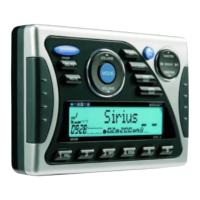
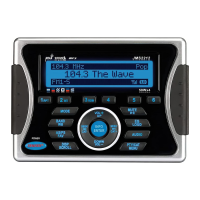
JMS2212
7
TUNER OPERATION
Select a Band
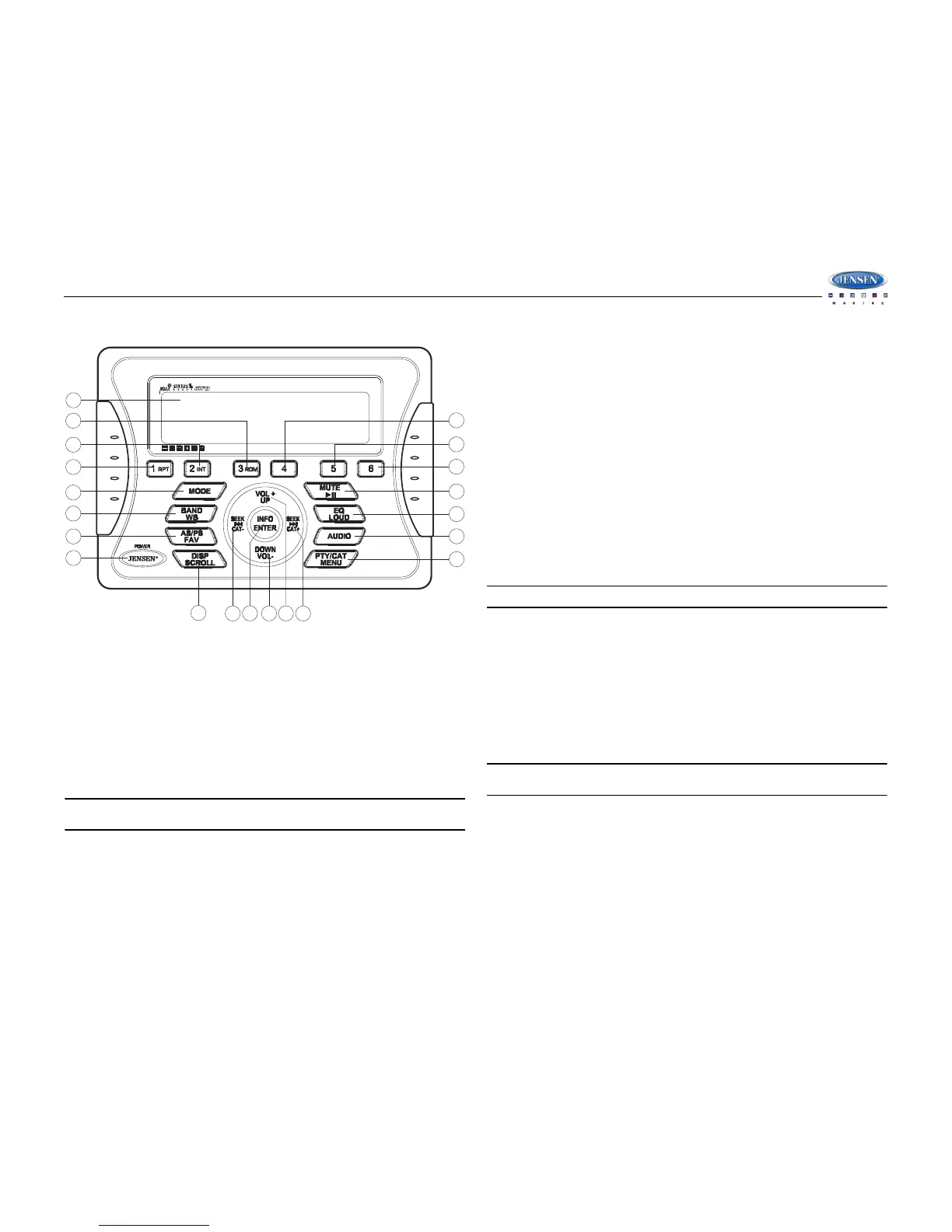
Press the BAND/WB button (9) to change between three FM bands and two AM bands.
Press and hold the BAND/WB button to access the Weatherband (WB).
Manual Tuning
Press the SEEK >>| or |<< buttons (15, 13) to seek stations up/down step by step.
Auto Seek Tuning
Press and hold the SEEK >>| or |<< buttons (15, 13) to automatically seek the next or previous
strong station.
NOTE: Seek tuning is not available for weather band channels. Use the up or down
tuning buttons to manually select any of the seven available weather band channels.
Preset Stations
Six numbered preset buttons store and recall stations for each band.
Store a Station
Select a band (if needed), then select a station. Press and hold a 1-6 preset button for two
seconds. The preset number will appear in the display.
Recall a Station
Select a band (if needed). Press a 1-6 preset button to select the corresponding stored station.
Automatically Store / Preset Scan (AS/PS)
Automatically Store
Select an AM or FM band. Press and hold the AS/PS/FAV button (10) for more than 2 seconds
to automatically select 18 strong stations (12 for AM). “Storing Presets” appears on the screen
and the new stations replace any stations already stored.
Preset Scan
Select a band. Press AS/PS/FAV button (10) to scan stations stored in the current band. The
unit will pause for 5 seconds at each preset station. Press AS/PS/FAV again to stop scanning
when the desired station is reached.
RBDS Operation
This unit is equipped to display RBDS (Radio Broadcast Data Service) information when
broadcast by the radio station.
NOTE: Radio stations broadcasting RBDS may not be available in your listening area.
In FM radio mode, press the PTY/CAT/MENU button (21) to access the PTY menu and choose
from the following Program Type (PTY) options: ANY / News / Information / Sports / Talk / Rock
/ Classic Rock / Adult Hits / Soft Rock / Top 40 / Country / Oldies / Soft / Nostalgia / Jazz /
Classical / Rhythm and Blues / Soft Rhythm & Blues / Foreign Language / Religious Music /
Religious Talk / Personality / Public / College / Weather / Emergency Test / ALARM! ALARM!
To search for stations in a PTY category:
1. Press the PTY/CAT/MENU button (21) to view the current PTY category.
2. Press the SEEK >>| or |<< buttons (15, 13) to move through the list of available
categories and select the program type you wish to search.
3. After selecting the desired PTY, press the INFO/ENTER button (14) to search the band for
broadcasts of this type. “PTY Search” is displayed while the tuner is searching.
NOTE: Performing a PTY search on “ANY” will Seek Tune and stop on any station
broadcasting RBDS, regardless of the program type.


 To Next Page