VM9314
Recalling a Station
1.
Select a band (if needed).
2.
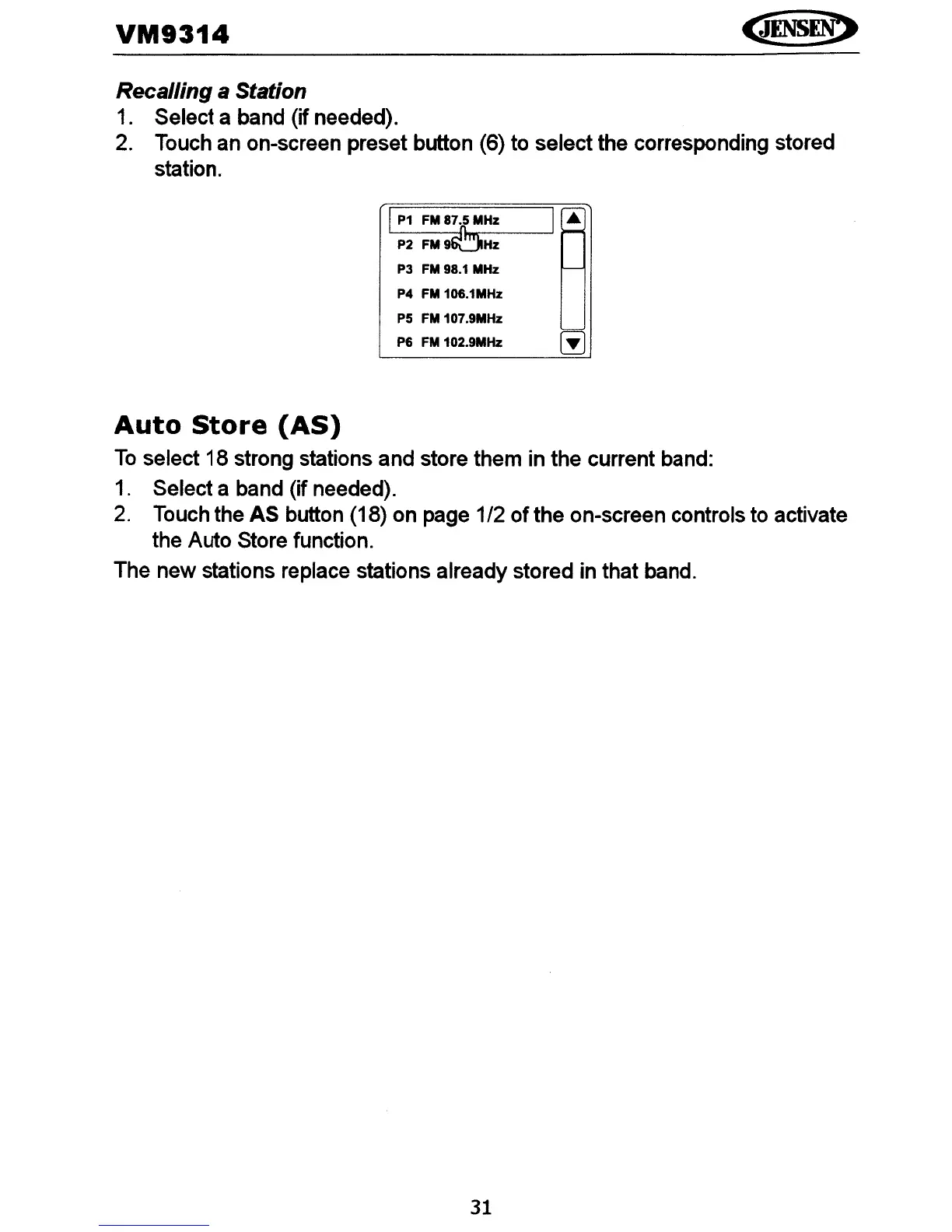
Touch an on-screen preset button (6) to select the corresponding stored
station.
P3
FM
98.1
MHz
P4
FM
106.1MHz
P5
FM
107.9MHz
P6
FM
102.9MHz
~
Auto
Store
(AS)
To
select 18 strong stations and store them in the current band:
1.
Select a band (if needed).
2.
Touch the AS button (18) on page 1/2
of
the on-screen controls to activate
the Auto Store function.
The new stations replace stations already stored in that band.
31















 To Next Page