YM9314
16. BAND: Change between
XM1
, XM2 and XM3 bands
17
...
: View the SETUP menu
18. Touch this area to view the SOURCE MENU and select a new playback
source
19. MEM: View screen used to enter current channel into preset memory
20. PTT: Activate the Push
To
Talk voice recognition feature. See "iPod Voice
Control" on page 19.
21. LOUD: Turn the loudness feature on/off
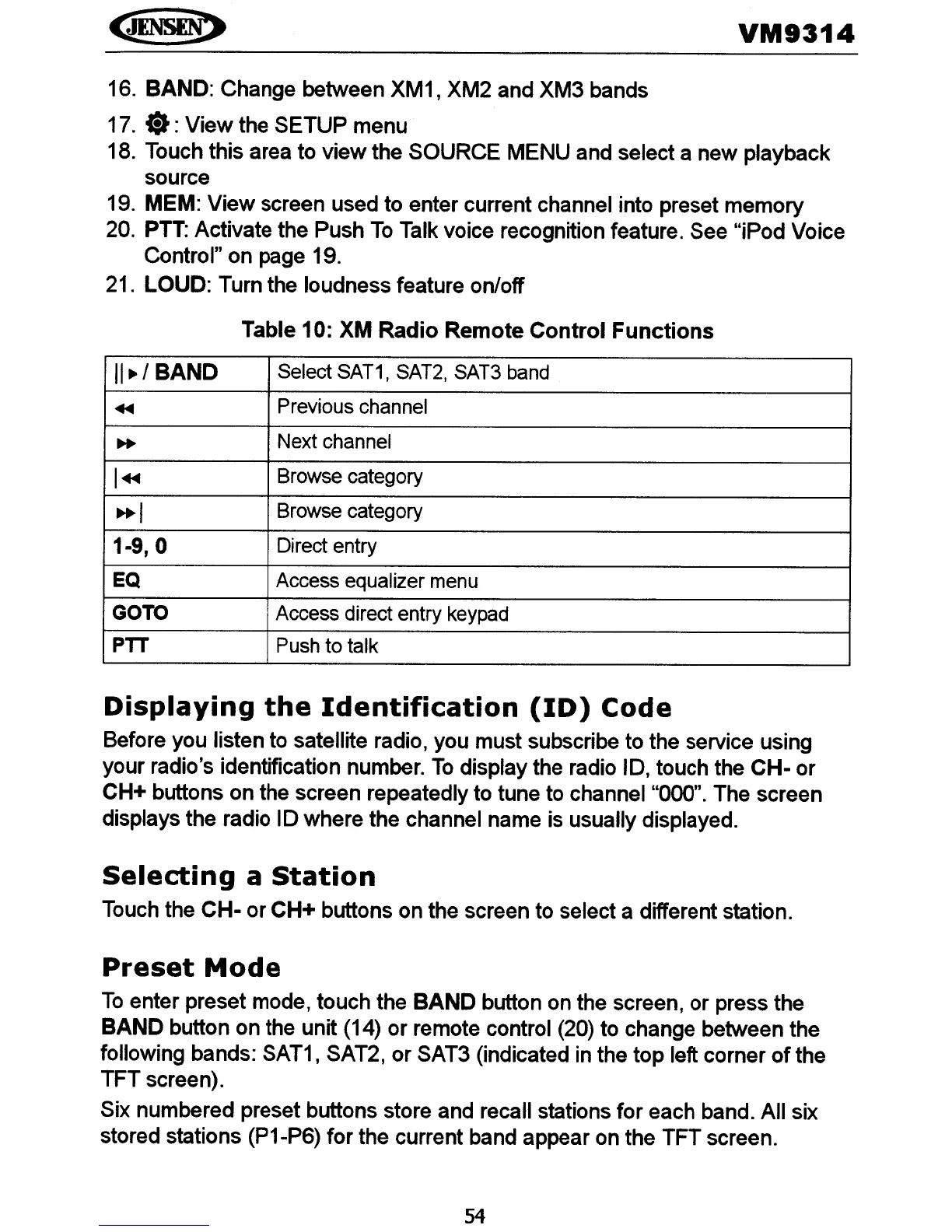
Table 10: XM
Radio
Remote
Control
Functions
11./
BAND
Select SAT1, SAT2, SAT3 band
~
Previous channel
..
Next channel
I~
Browse category
..
I
Browse category
1-9,0
Direct entry
EQ
Access equalizer menu
GOTO
Access direct entry keypad
PTT
Push
to
talk
Displaying
the
Identification
(ID)
Code
Before you listen to satellite radio, you must subscribe to the service using
your radio's identification number.
To
display the radio
10,
touch the
CH-
or
CH+ buttons on the screen repeatedly to tune to channel "000". The screen
displays the radio
10
where the channel name is usually displayed.
Selecting
a
Station
Touch the
CH-
or CH+ buttons on the screen to select a different station.
Preset
Mode
To
enter preset mode, touch the
BAND
button on the screen, or press the
BAND
button on the unit (14) or remote control (20) to change between the
following bands:
SAT1
, SAT2, or SAT3 (indicated in the top left corner
of
the
TFT screen).
Six numbered preset buttons store and recall stations for each band. All six
stored stations (P1-P6) for the current band appear on the TFT screen.
54















 To Next Page